DrawingRobots
A Hands-On Exploration of Drawing Algorithms
Three days at the Werkwoche 2023 of Technische Hochschule Augsburg. No computers, no code. Just a motor, batteries, pens, paint and an idea: an algorithm is a fixed sequence of steps that turns input into output. Pia Obermaier and I built two drawing robots, tested how their variables change the drawing, and joined everyone for one big collective artwork.
Download case study (PDF)What was this about?
Everyone talks about algorithms: in social media feeds, in artificial intelligence, in design software. Yet few people can say what an algorithm actually is. For designers this matters. We use tools that run on algorithms every day, and we are asked to design more and more complex systems ourselves.
The workshop “Drawing Robots – A Hands-On Exploration of Drawing Algorithms” tackled the term without a single line of code. Instead of programming, we built small robots from simple materials, let them draw, and studied what changed the drawing.
The workshop was part of the Werkwoche, the international design week of the Faculty of Design at Technische Hochschule Augsburg. It was open to students of all semesters and fields, with no prior knowledge needed. Everyone brought materials from home, from pens and paint to old jars, so the group had one shared collection to build with.
In our own presentation we summed it up like this: a playful exploration of robotics and programming that made algorithms and variables visible through hands-on work, with painterly results that surprised us and made us want to try more.
An algorithm, without a computer
An algorithm is a clearly defined sequence of steps. It takes something in, works on it step by step, and gives something out.Paraphrased from the definition shown in the workshop, after Cormen et al., Introduction to Algorithms.
The facilitator showed this as a simple diagram: input goes into a sequence of steps and comes out as output. For a drawing robot, the input is the material, the steps are what the motor makes the robot do, and the output is the drawing on the paper.
He also showed a sorting algorithm as an example, and drawings by earlier robots, each linked to one action: drip, wrap, pull, roll, blow, smear. Pick a robot below to see how the idea fits what we built.
Actions that can make a mark · from the workshop slides
Understand and build
From a definition on a screen to a robot on the table, in one day.
The morning: what is an algorithm?
The day started with a round of introductions. Everyone answered three questions: What is your name? Which programme and semester are you in? And: what is an example of an algorithm from your everyday life? A recipe, a morning routine or a way home are all sequences of steps.
Then came the theory described above: what an algorithm is, a sorting algorithm as an example, and the input–steps–output diagram.
The task
We formed pairs. Each pair had to build an interesting and unusual drawing robot. There was only one rule: it must be driven by a motor and leave a pattern on paper. The goal for the day was a simple robot that works.
- Form pairs.
- Build an interesting, unusual drawing robot.Only rule: it is driven by a motor and leaves a pattern on paper.
The materials
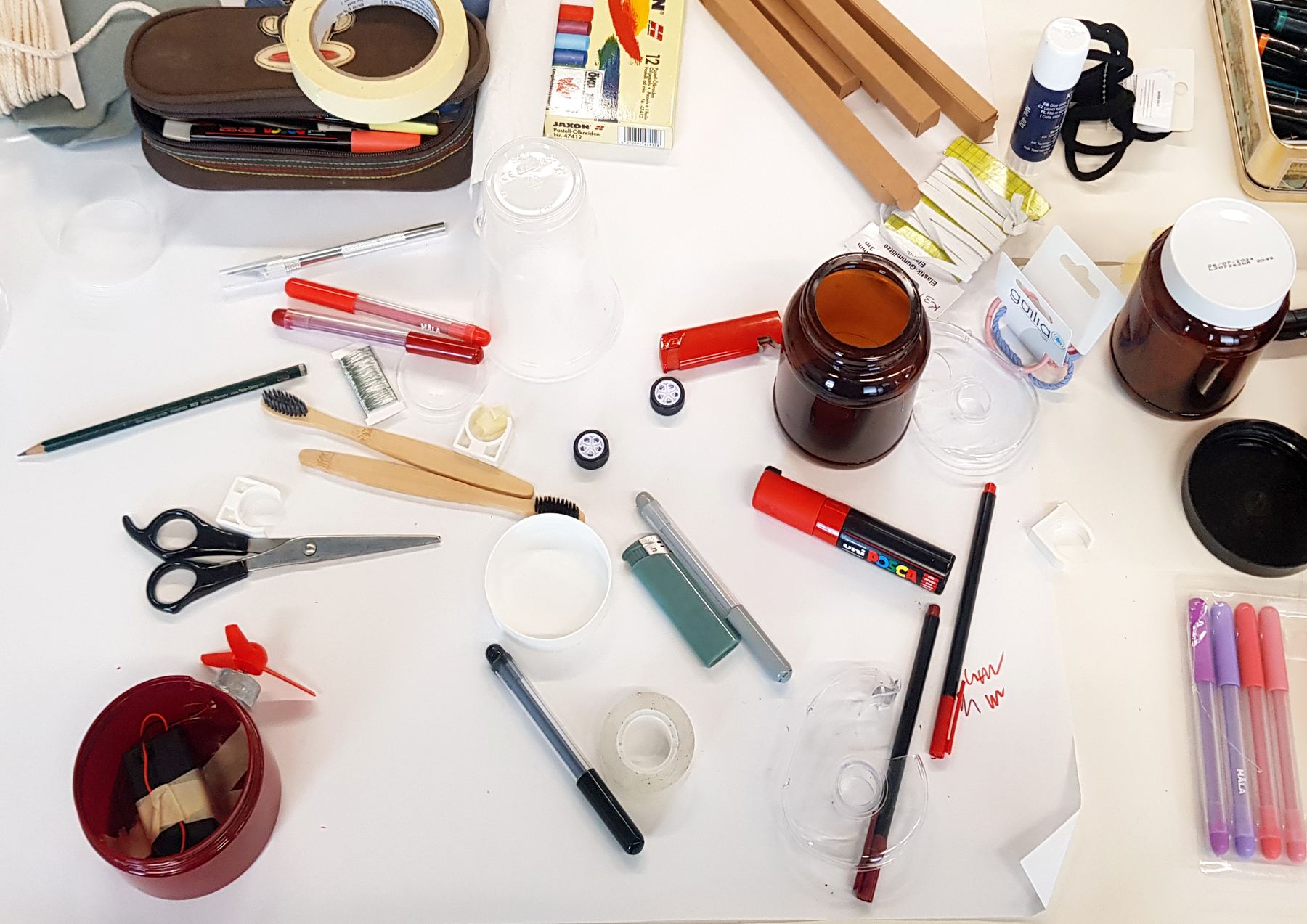
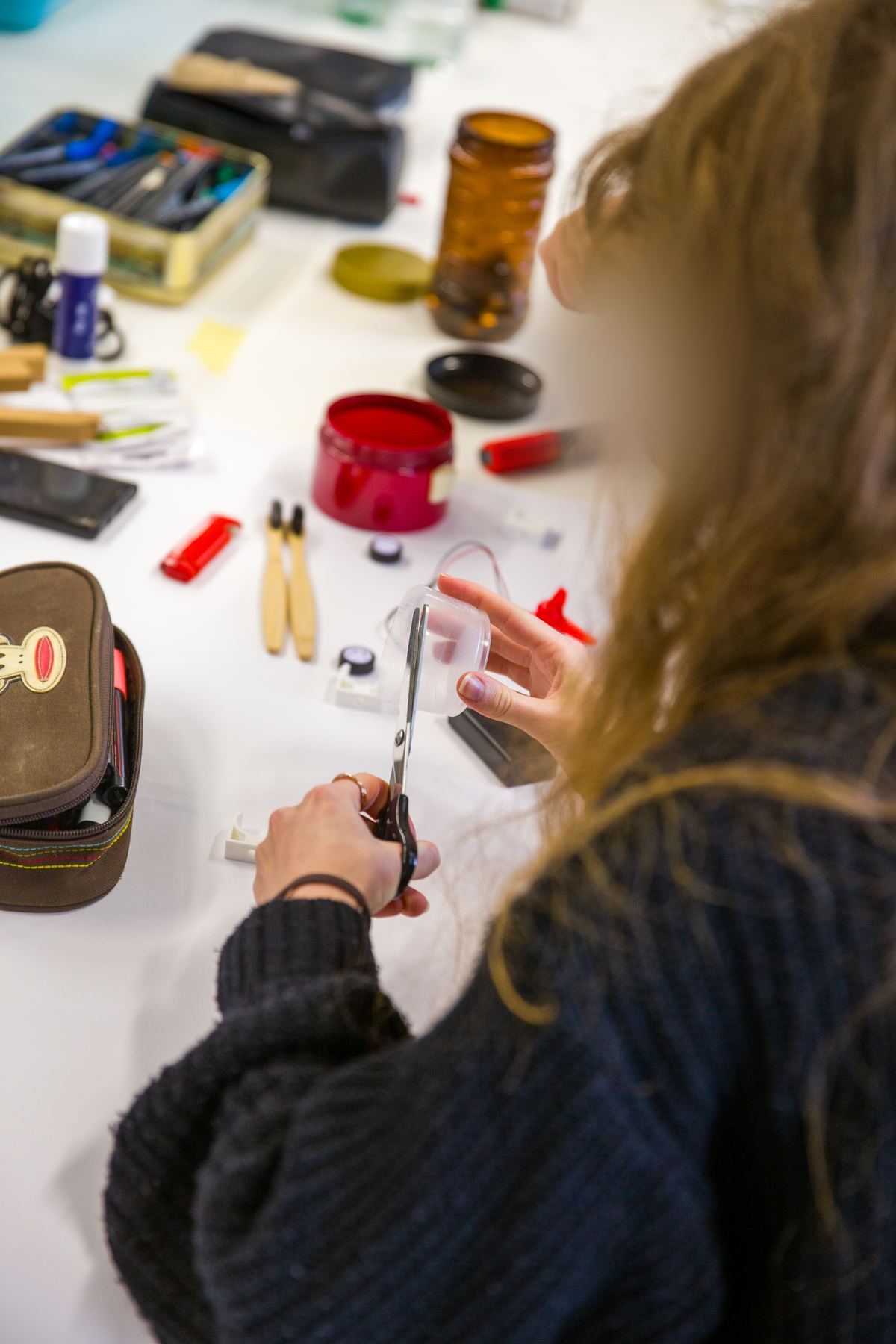
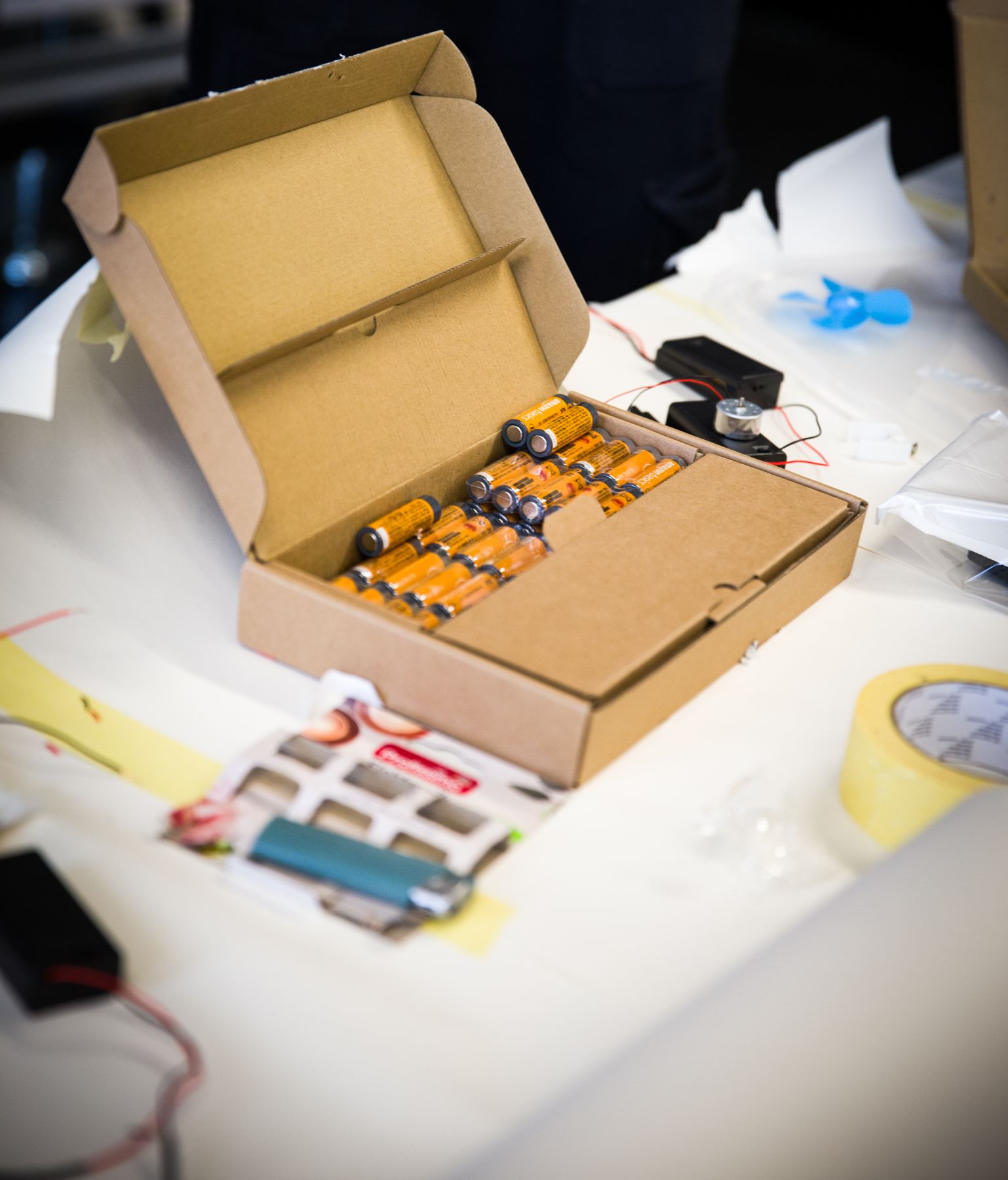
The workshop provided the technical parts. The rest came from our homes and from everyone else’s collection on the long table.
Provided
Brought by us and others
How a robot comes together
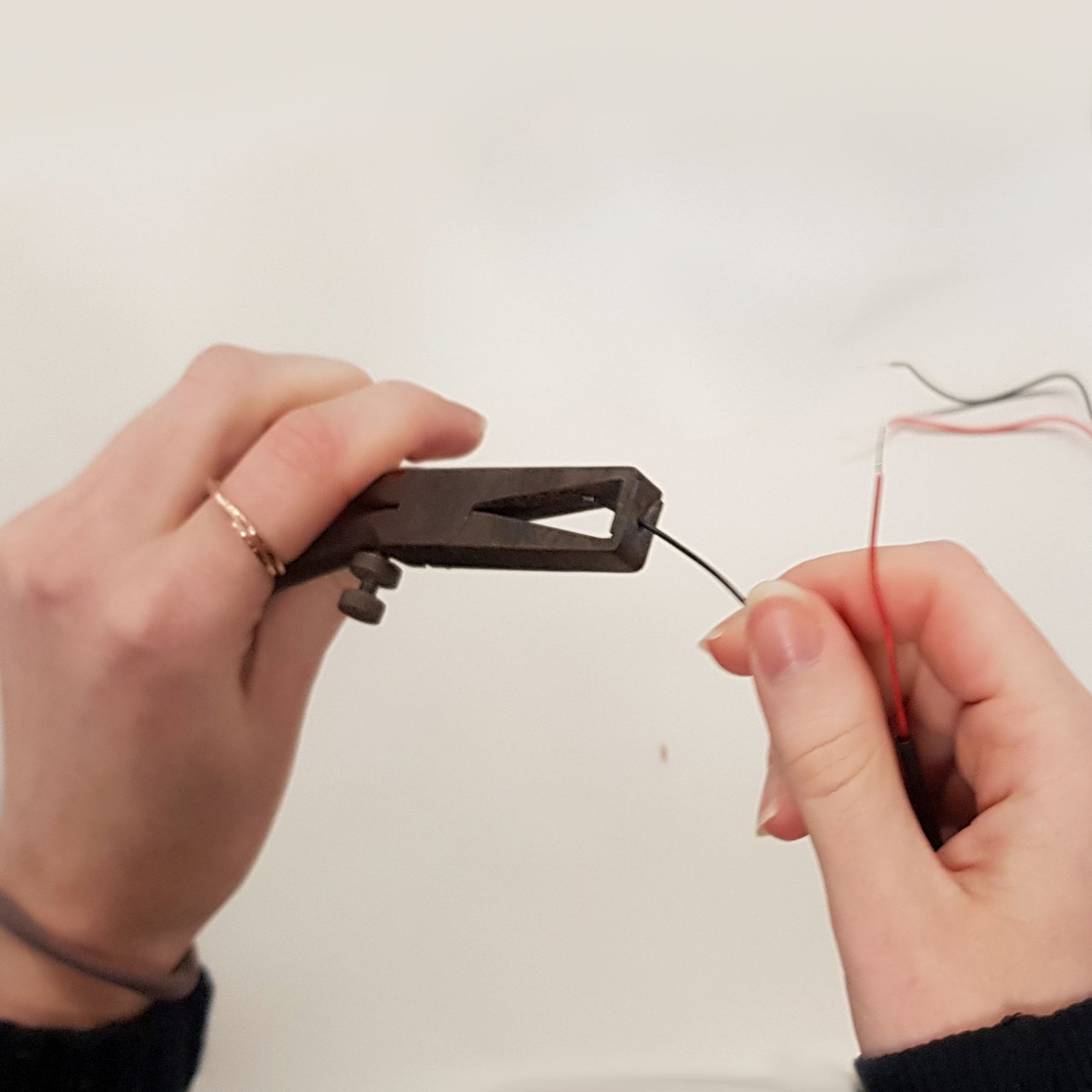
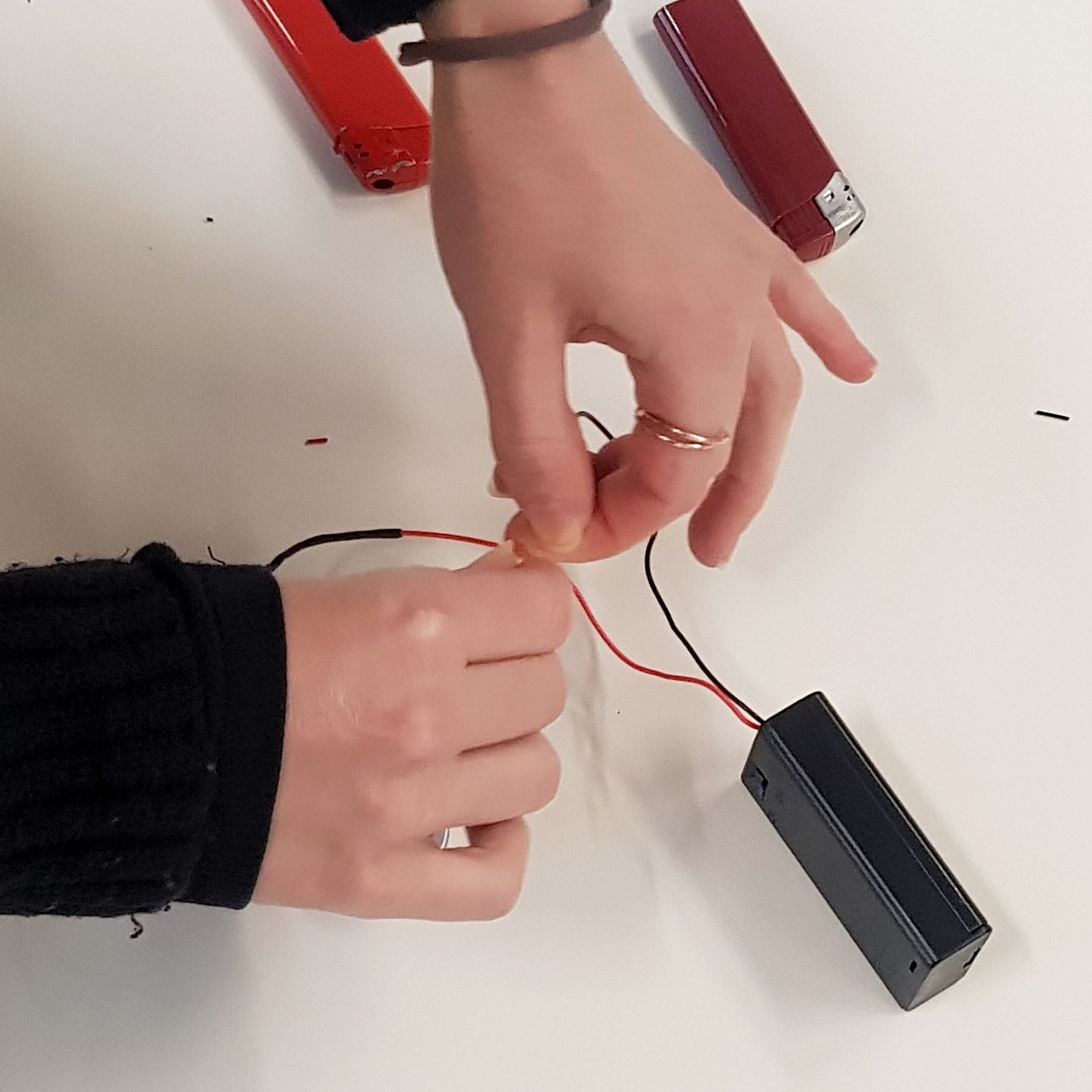
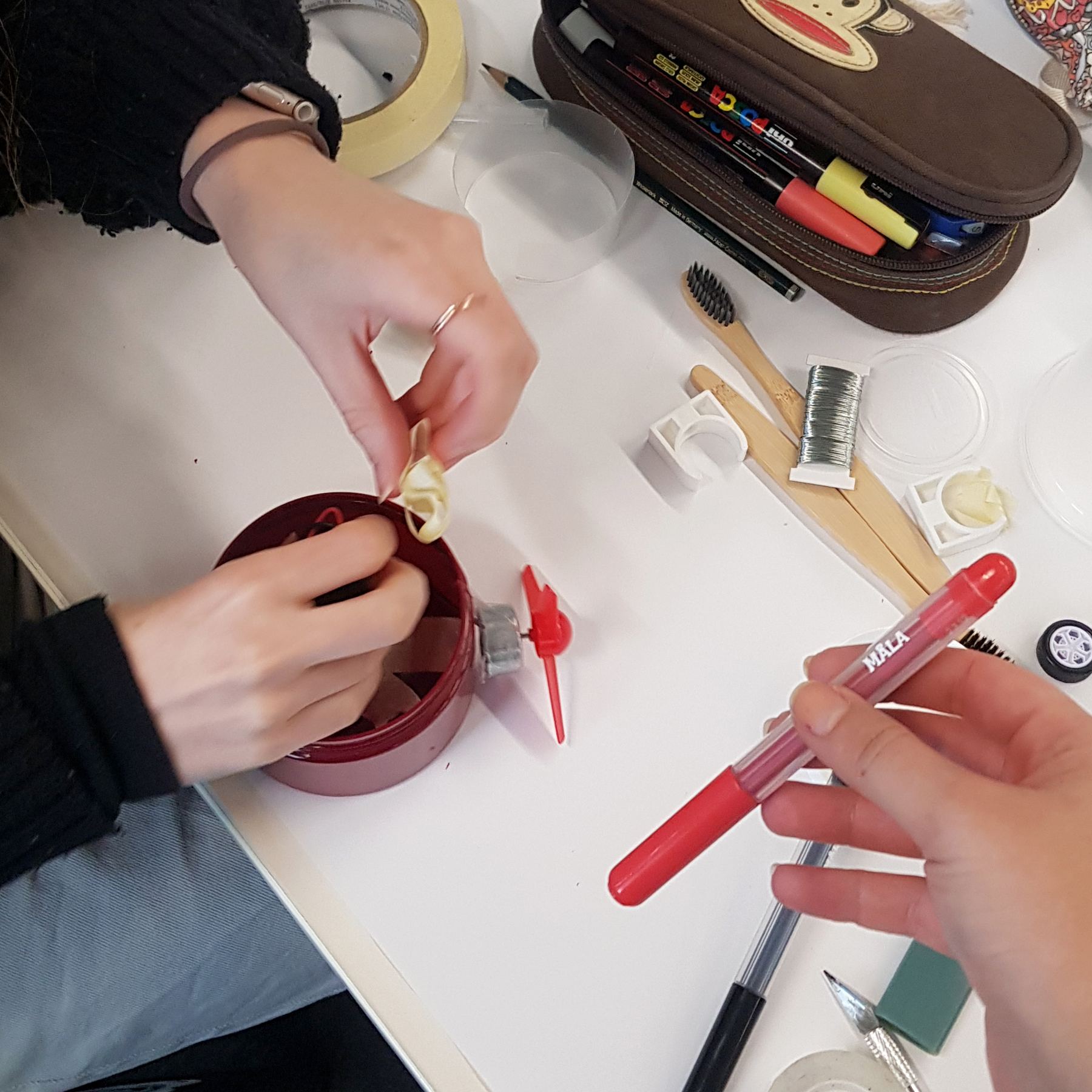
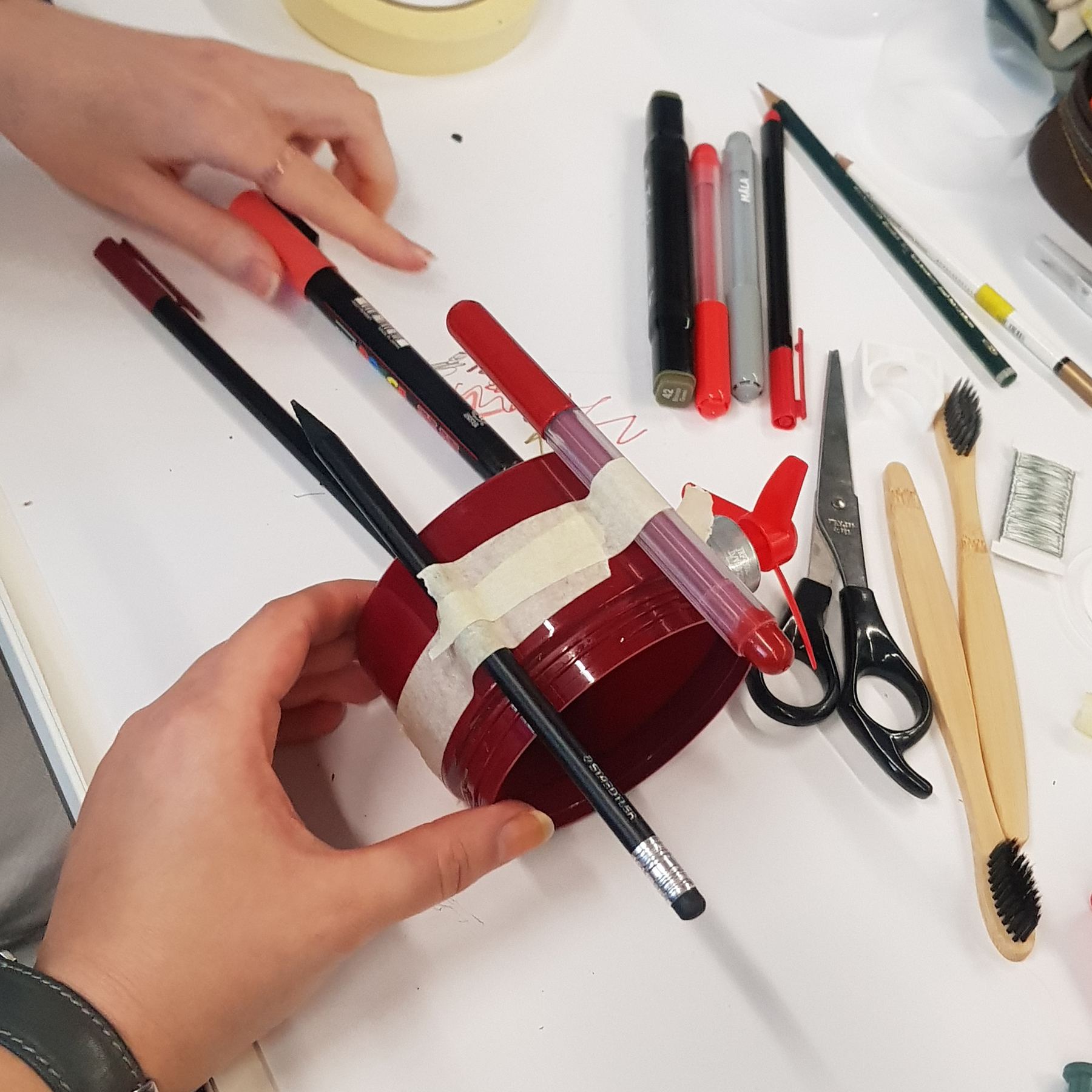
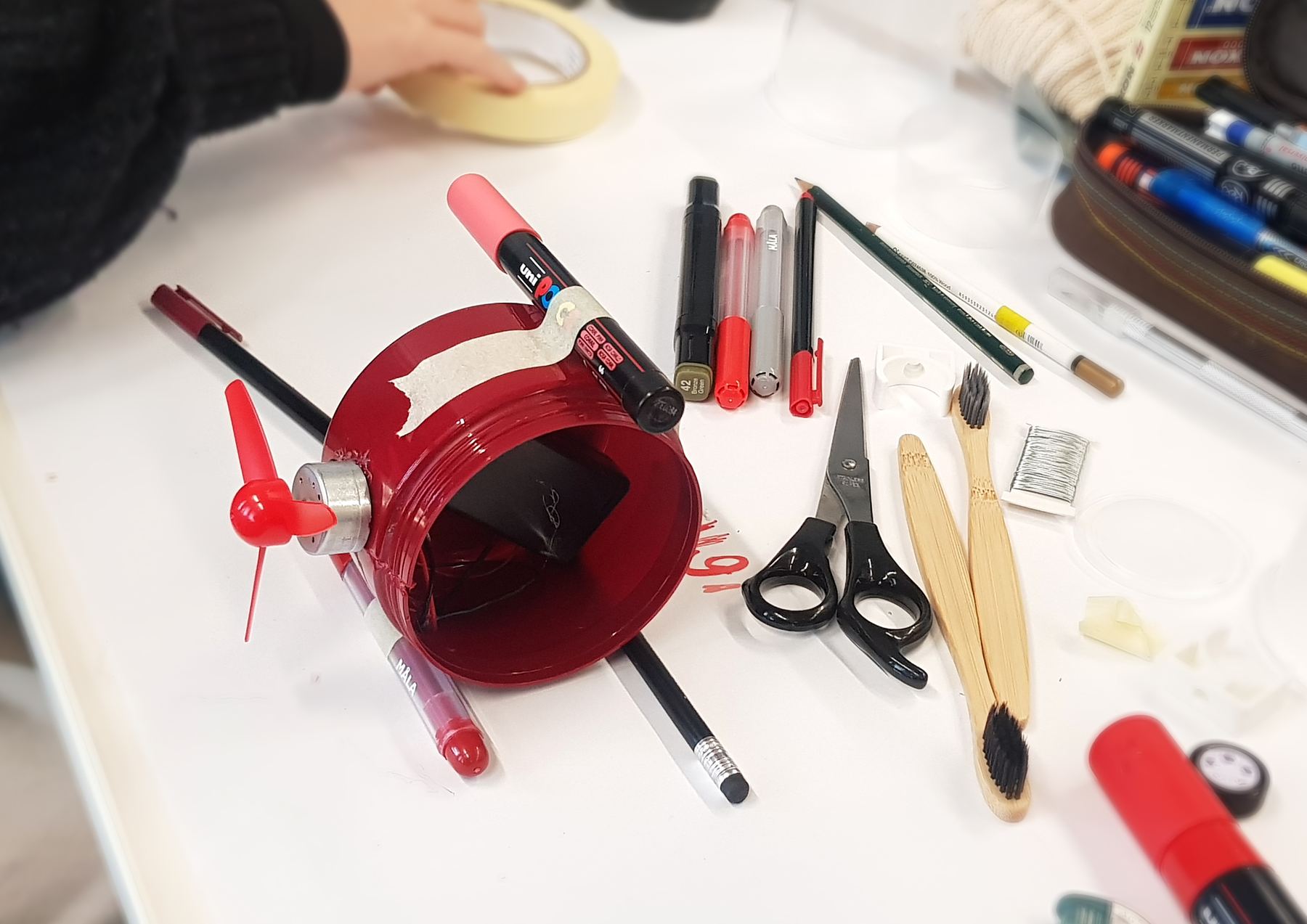
The jar on pen legs
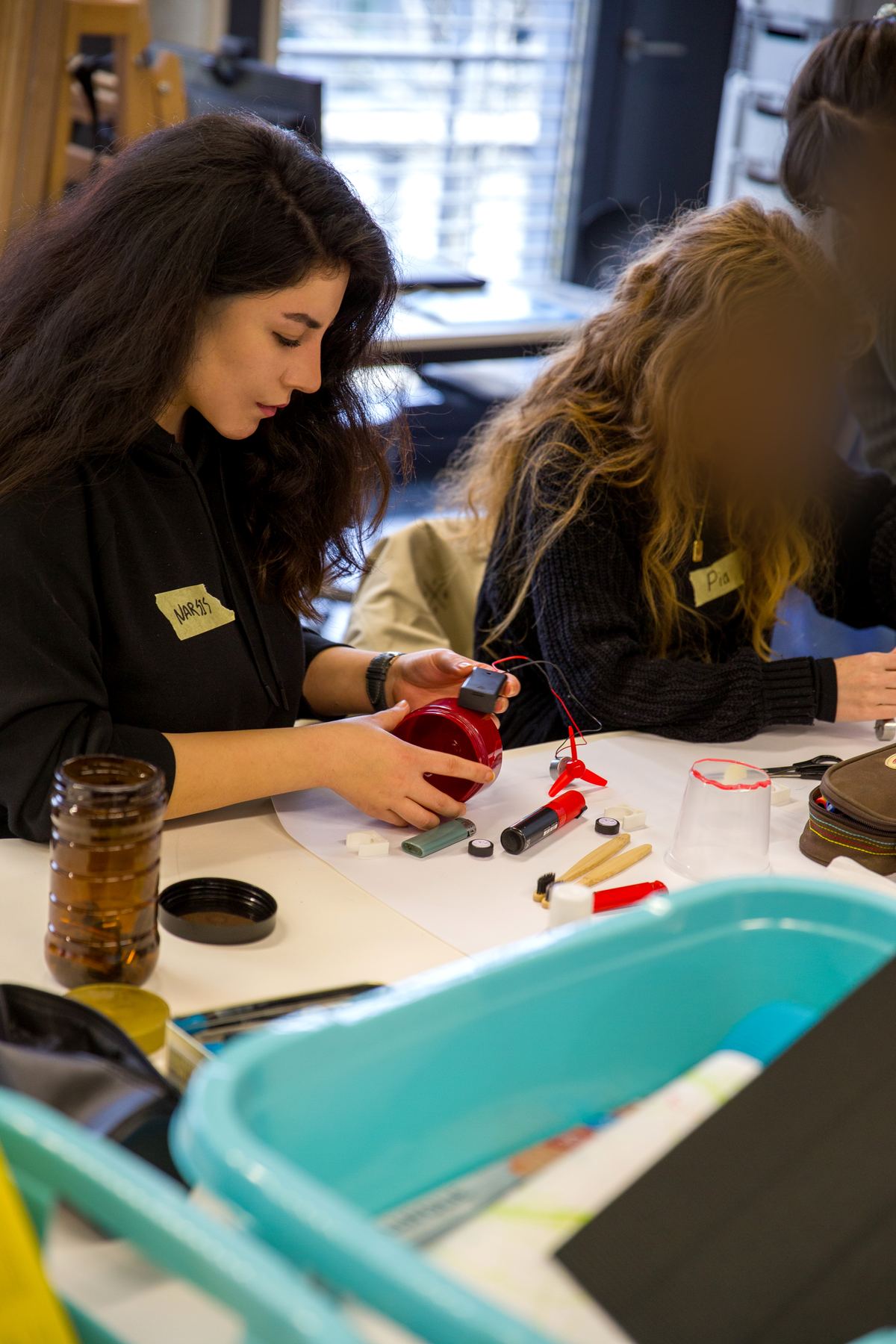
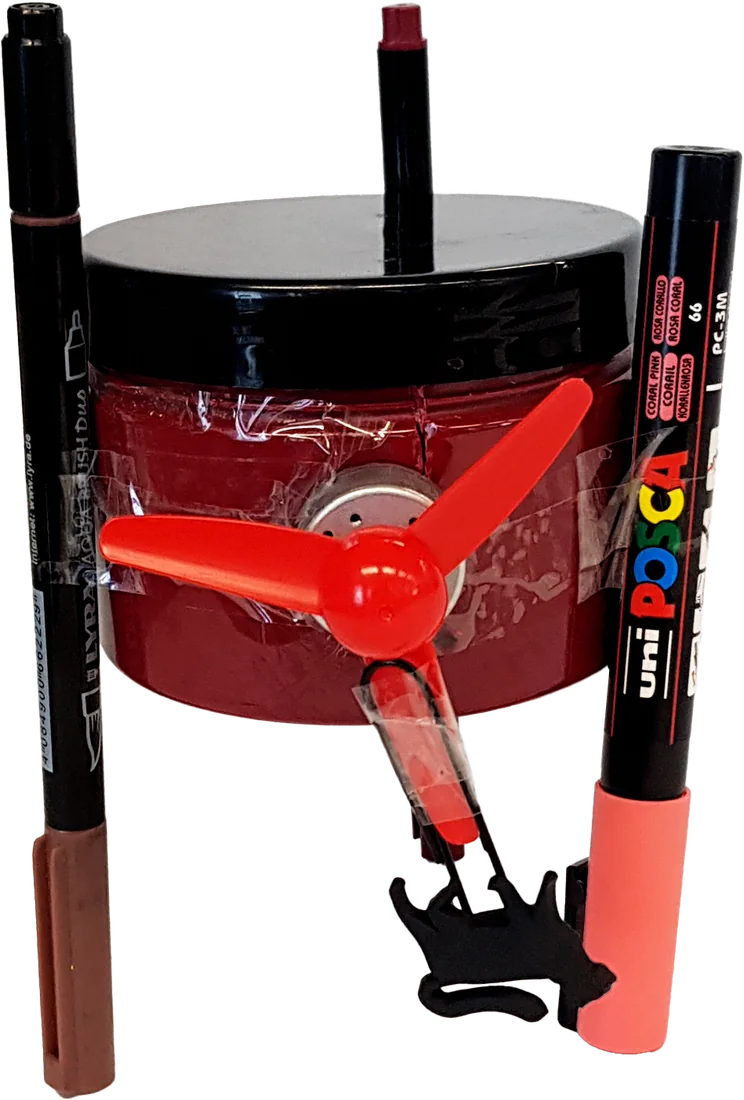
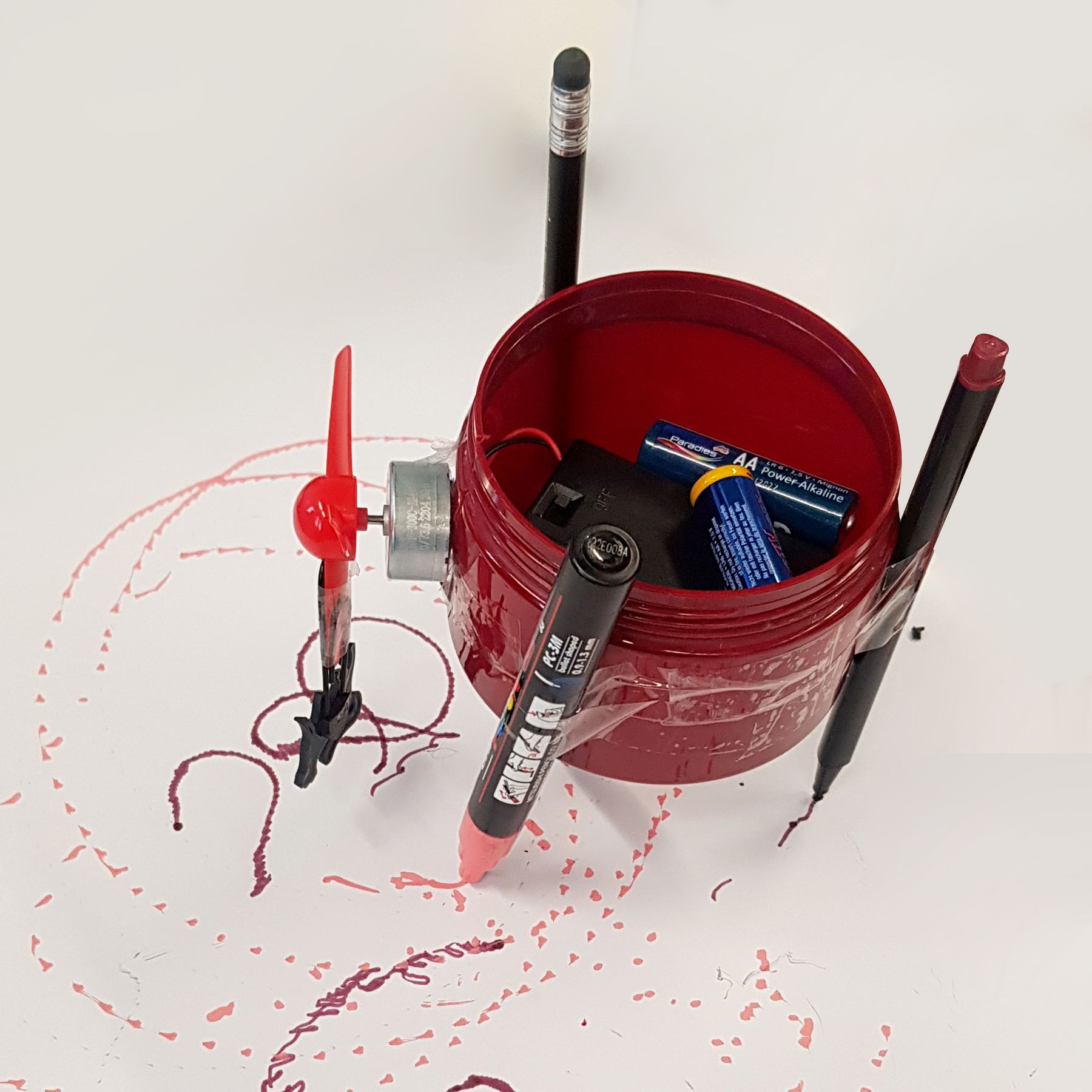
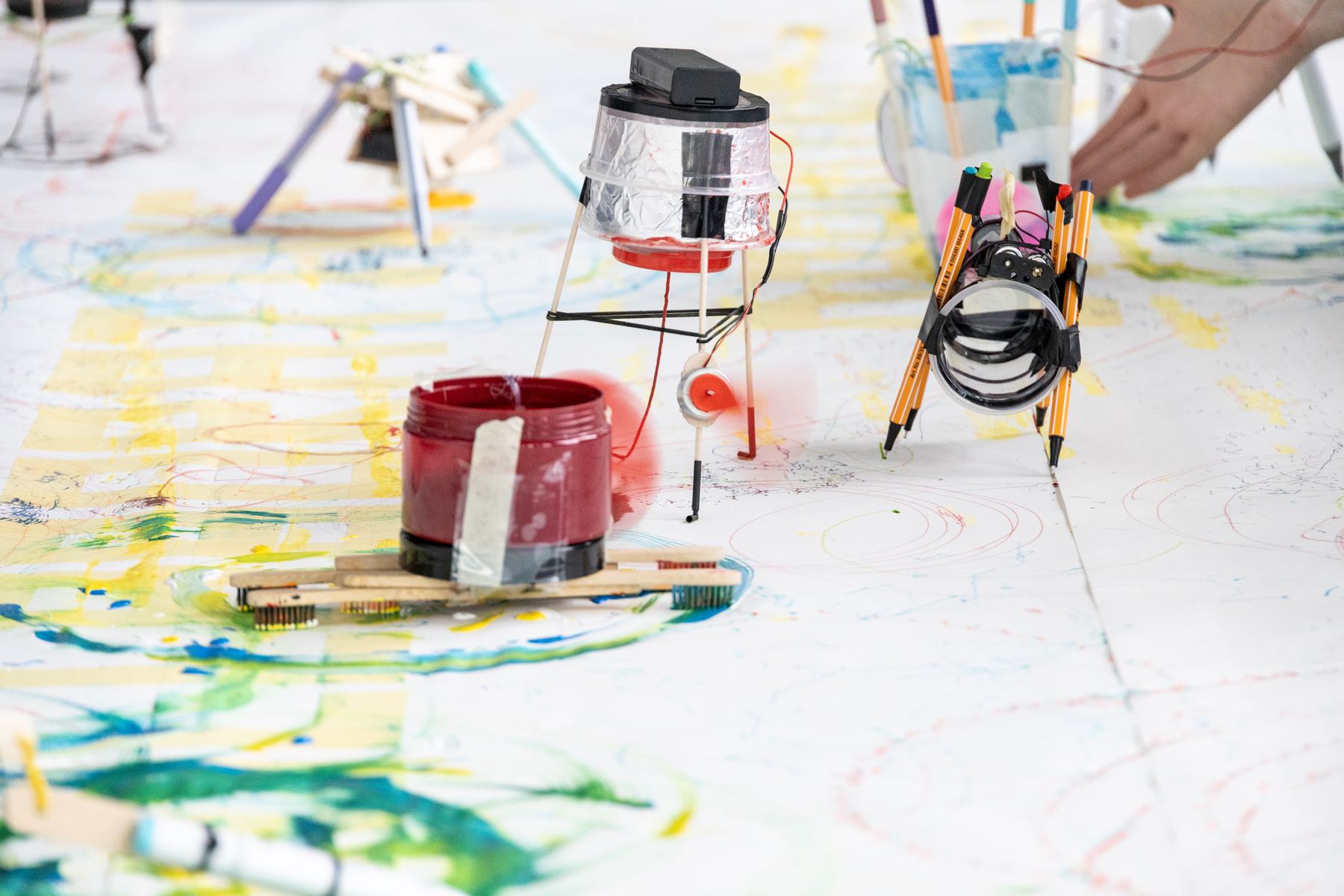
A red plastic jar, a spinning fan and three markers as legs. It shakes, turns and draws loops.
How it works
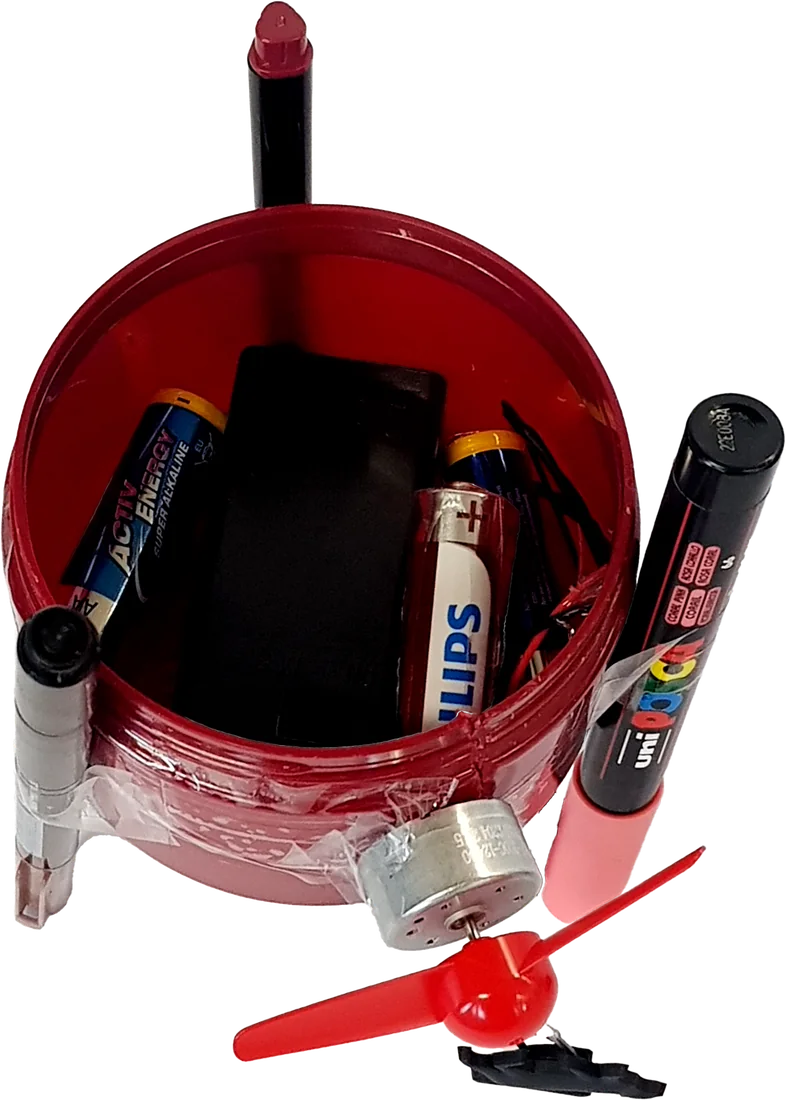
The motor sits on the side of the jar and spins a small fan. We attached a little plastic cat to the fan as a weight. It makes the spinning uneven, so the whole robot starts to shake and turn. The three markers work as legs and leave lines and dots wherever the robot moves.
- 1Jar with lid: the body
- 2Battery holder and extra batteries inside the jar, also used as weight
- 3Motor with fan on the side of the jar
- 4Plastic cat on the fan as an off-centre weight
- 5Markers taped to the jar as legs
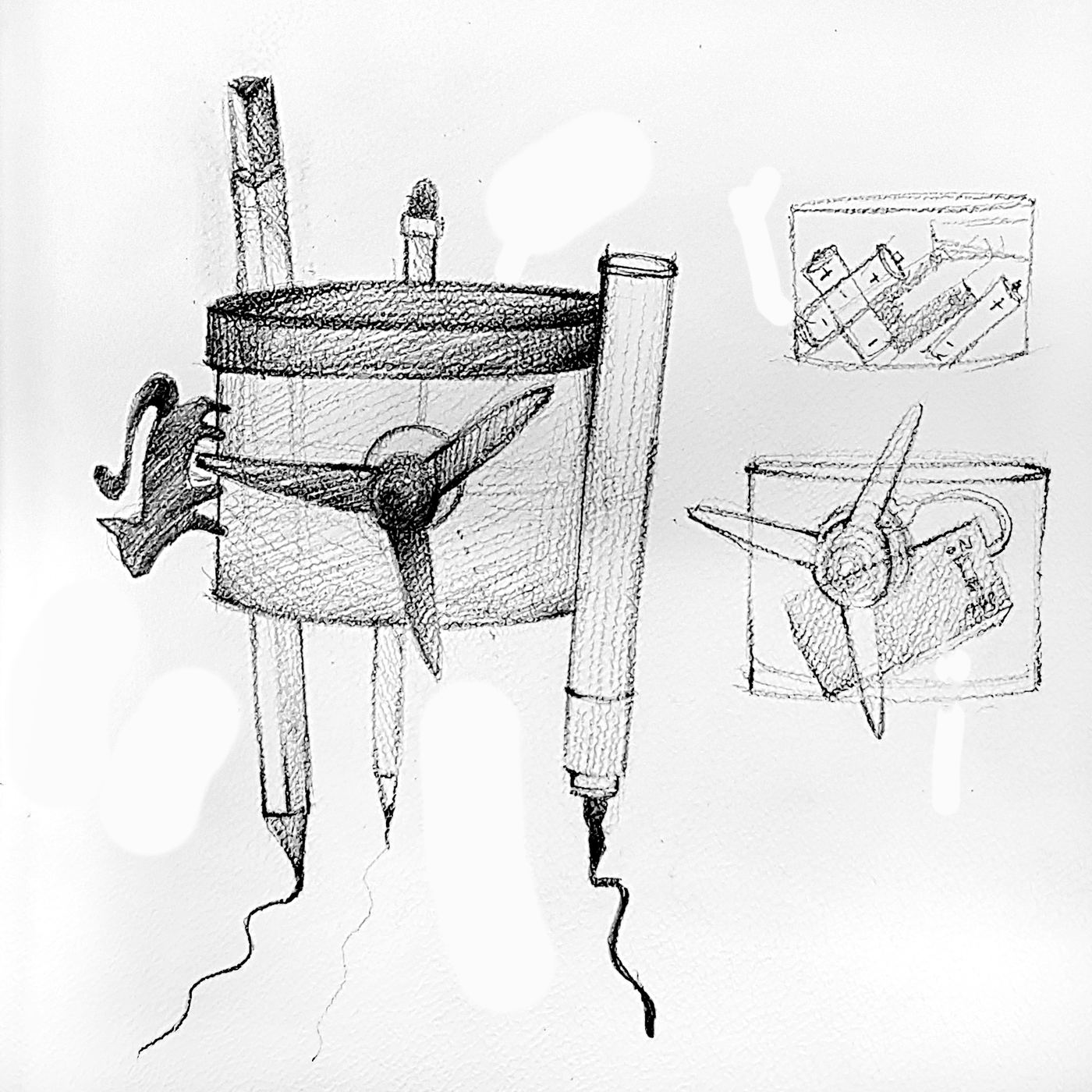
The toothbrush painter
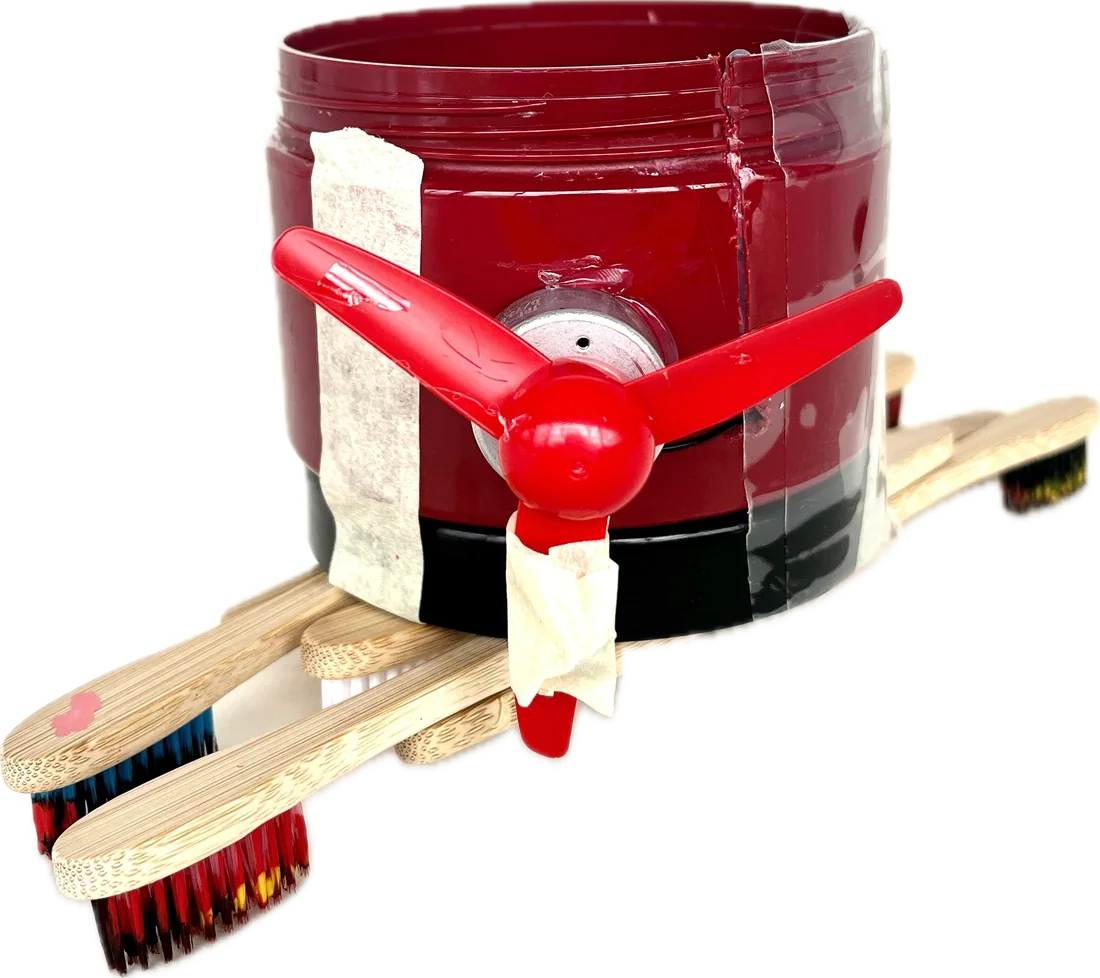
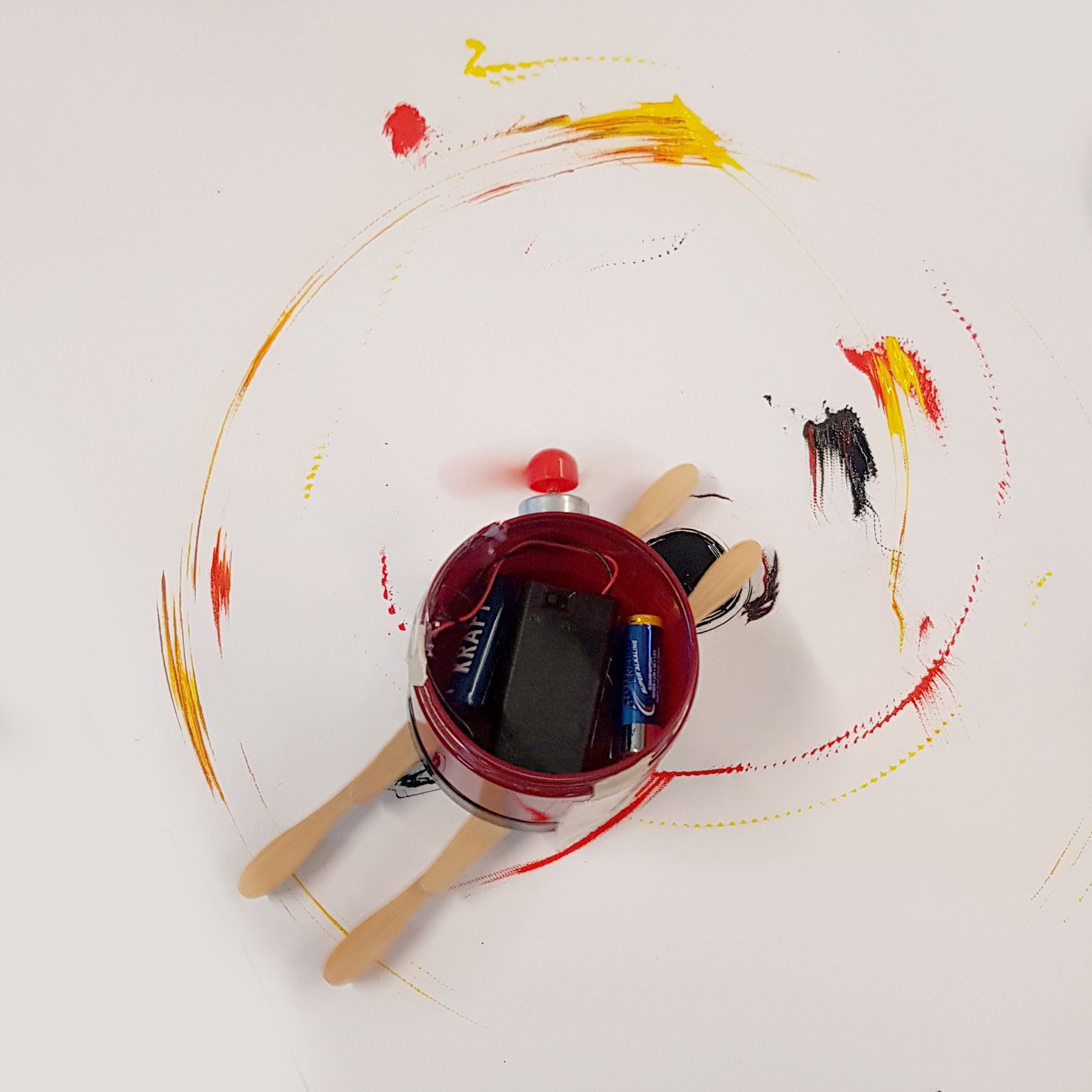
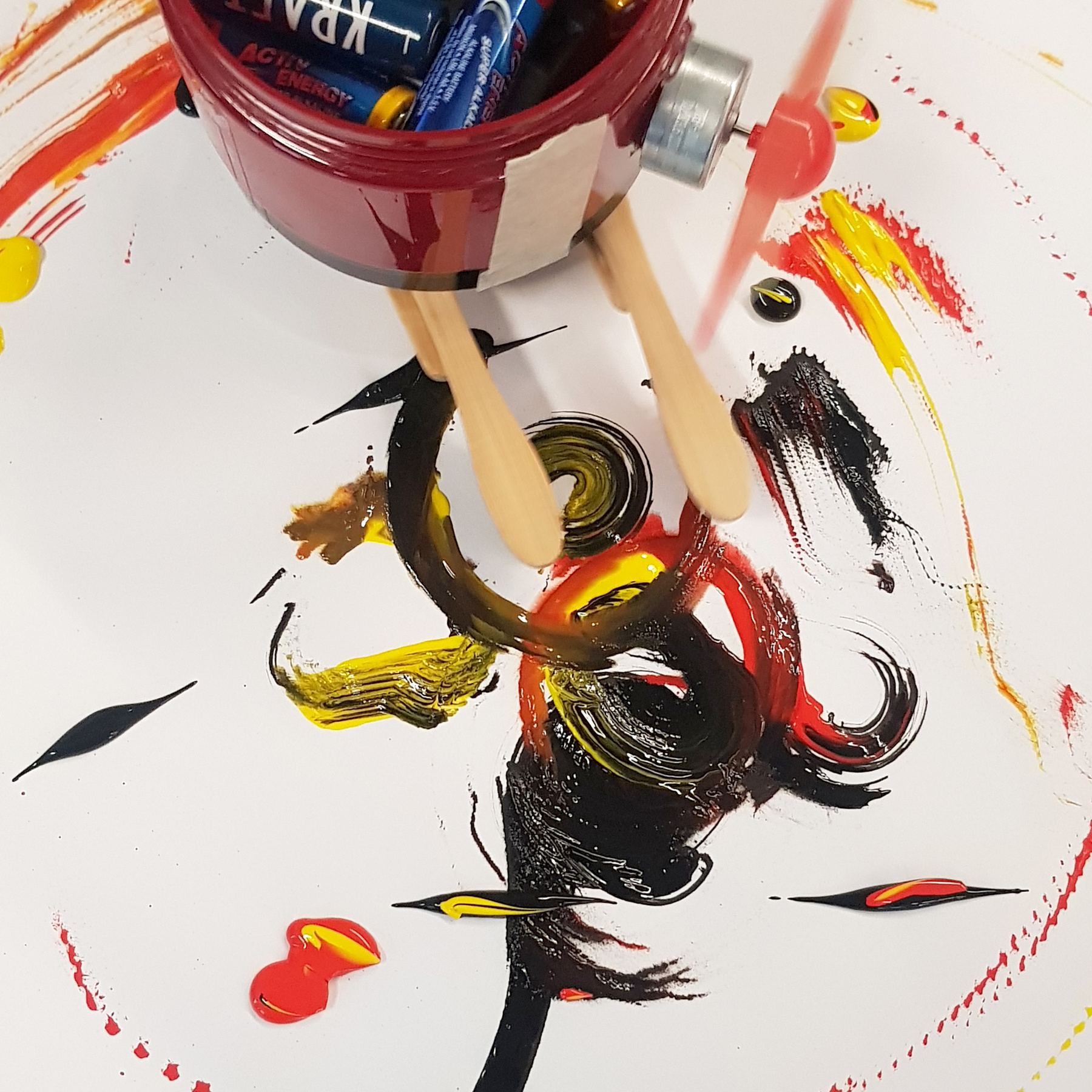
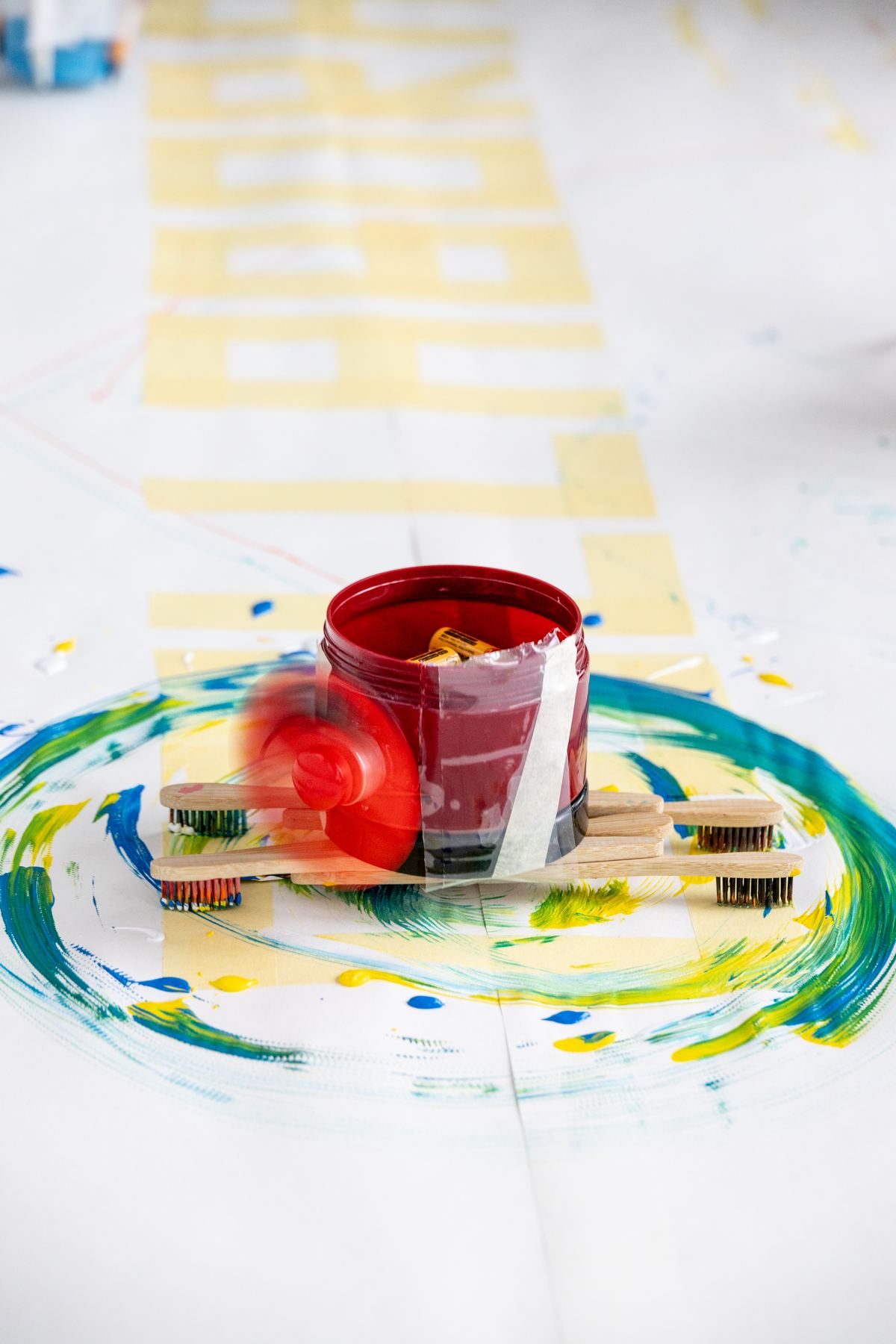
Same motor and fan, new legs: bamboo toothbrushes dipped in acrylic paint. The drawing turned into painting.
What changed
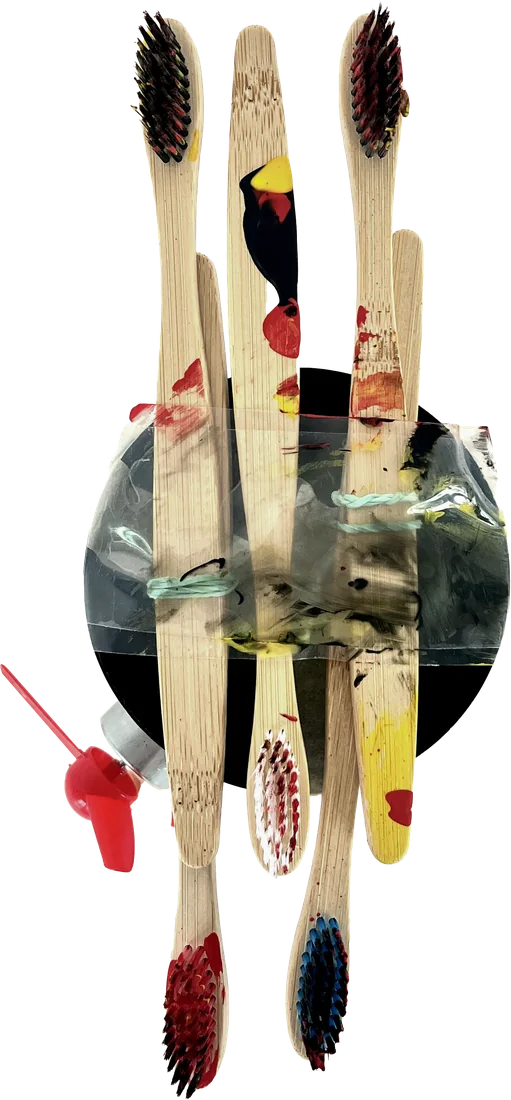
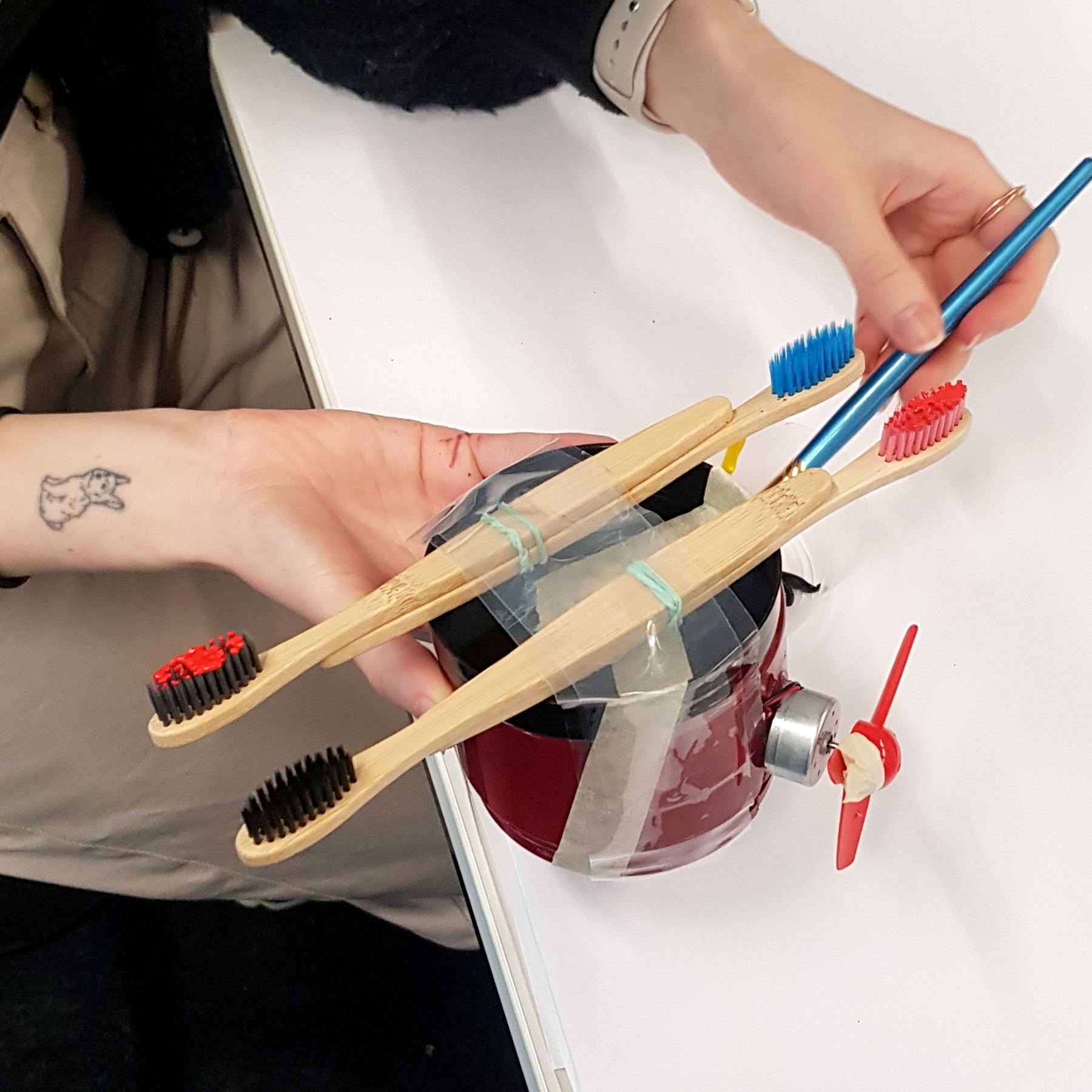
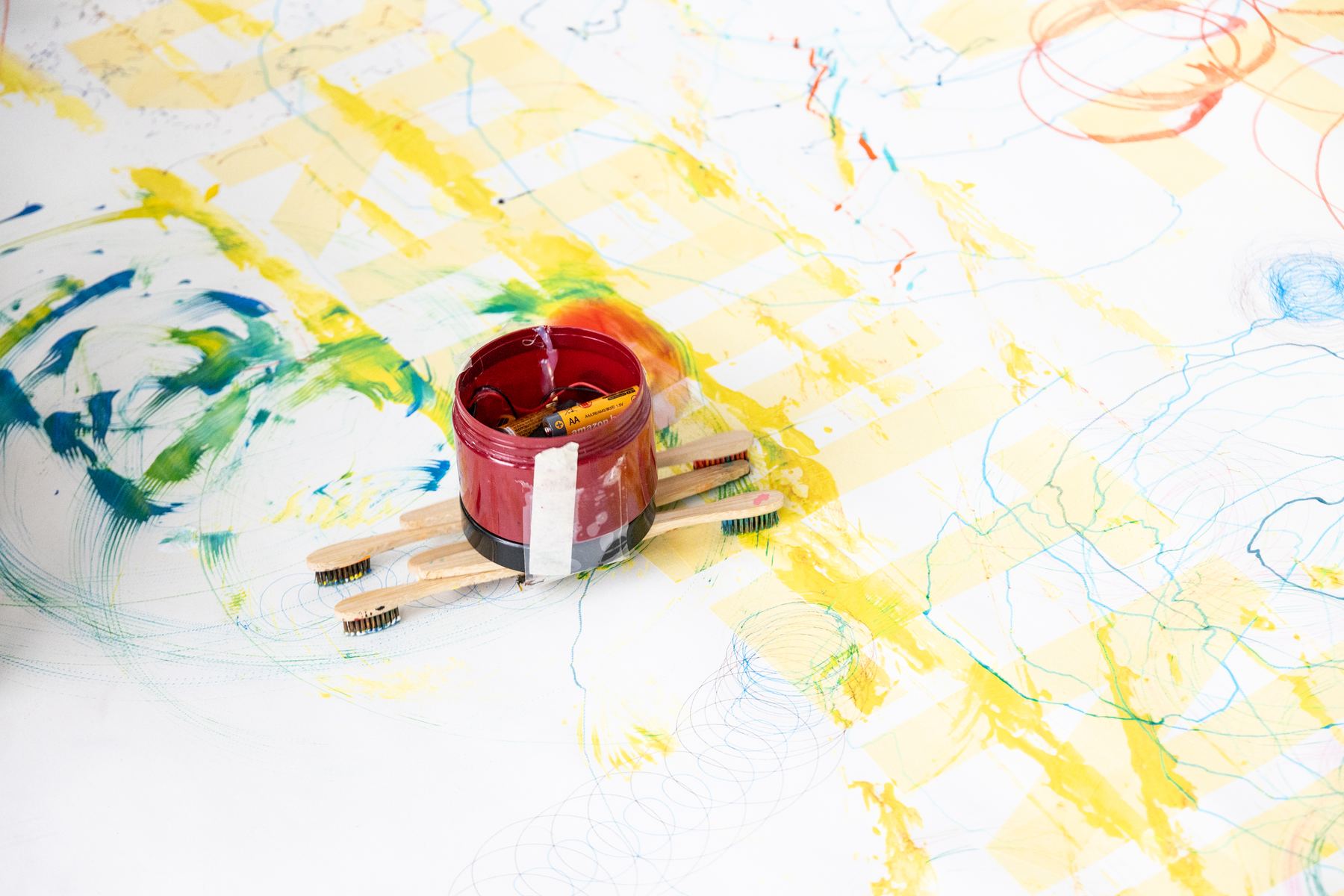
For the second robot we kept the principle and changed the tools. Instead of markers, bamboo toothbrushes became the legs. We dipped the bristles in red, black and yellow acrylic paint. The brushes drag and smear the paint while the robot turns, so the result looks painted, not drawn.
- 1Jar with the battery holder inside
- 2Motor with fan on the side
- 3Lid of the jar as a base
- 4Bamboo toothbrushes taped across the jar as brushes and legs
- 5Acrylic paint on the bristles
Change the variables
An algorithm has settings. Change one, and the output changes. That was the task for day 2.
Every pair first had to find the variables of its robot: what can you adjust to change the drawing?
For our robots, the variables were the weight (how many batteries), the number of pens or brushes, the size of the fan and the kind of paint. We ran test after test and labelled every sheet. By the end of the day each pair had to deliver one finished presentation slide on Miro.
- Identify the variables of your robot.What can you set to change the output? For example arm length, wheel size, weight, different colours or thinner paint.
- Prepare the presentation.One slide per robot: its name, the team, photos, a sketch or scan, and the test drawings.
Our test drawings · pick a robot
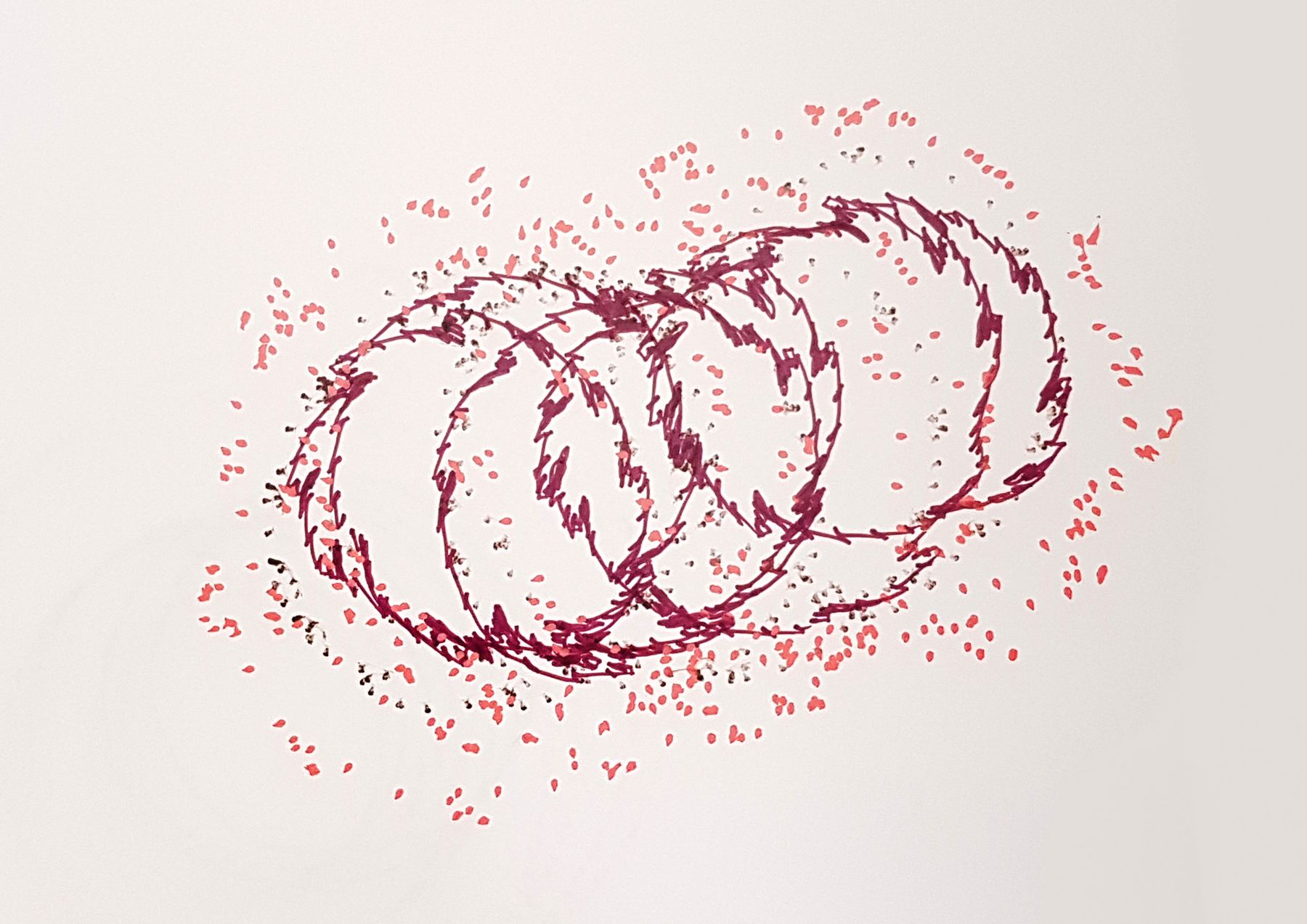
Big, overlapping loops that shift across the sheet.
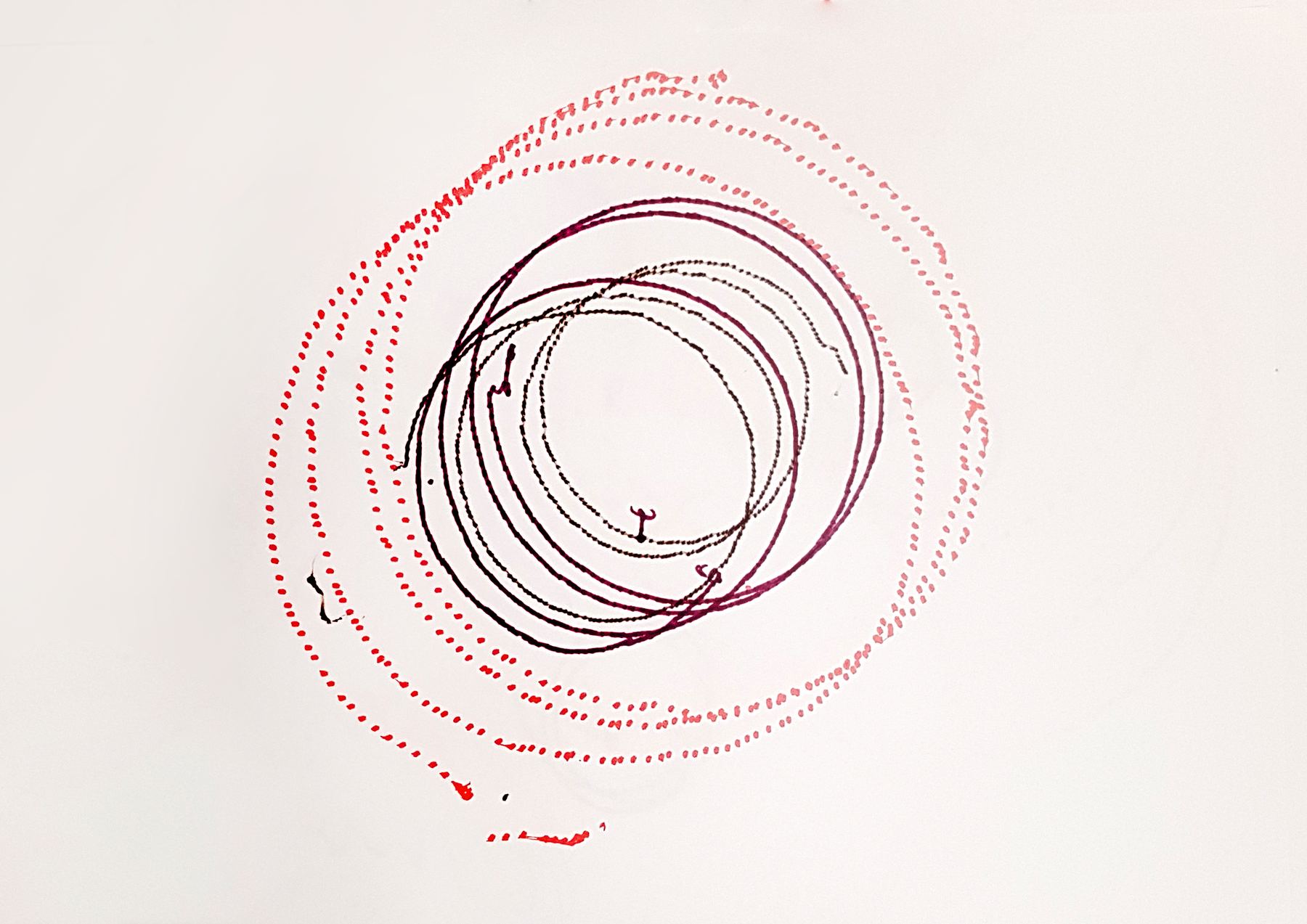
Tight circles around one centre. The robot stays in place.
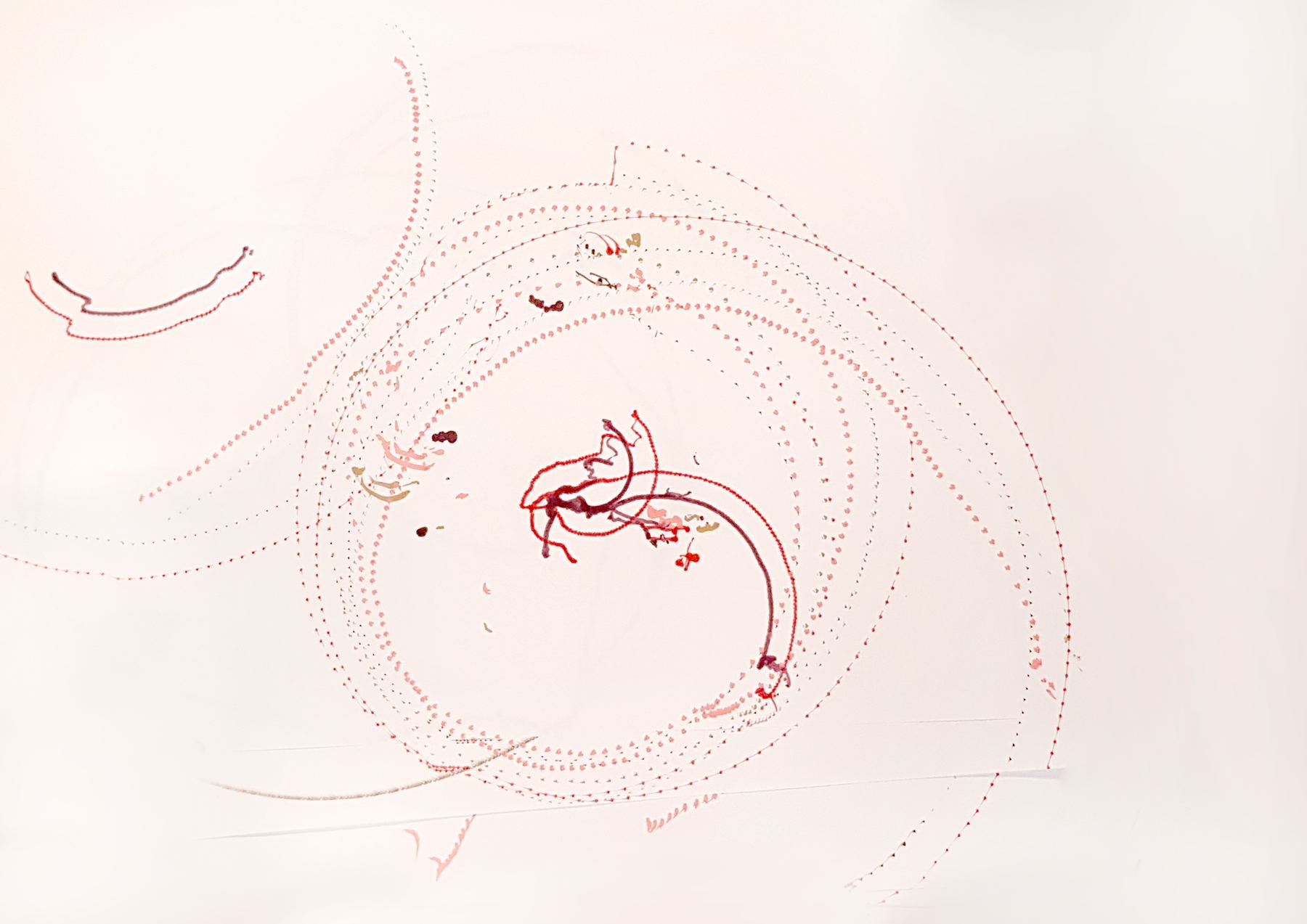
Several fine dotted rings at once.
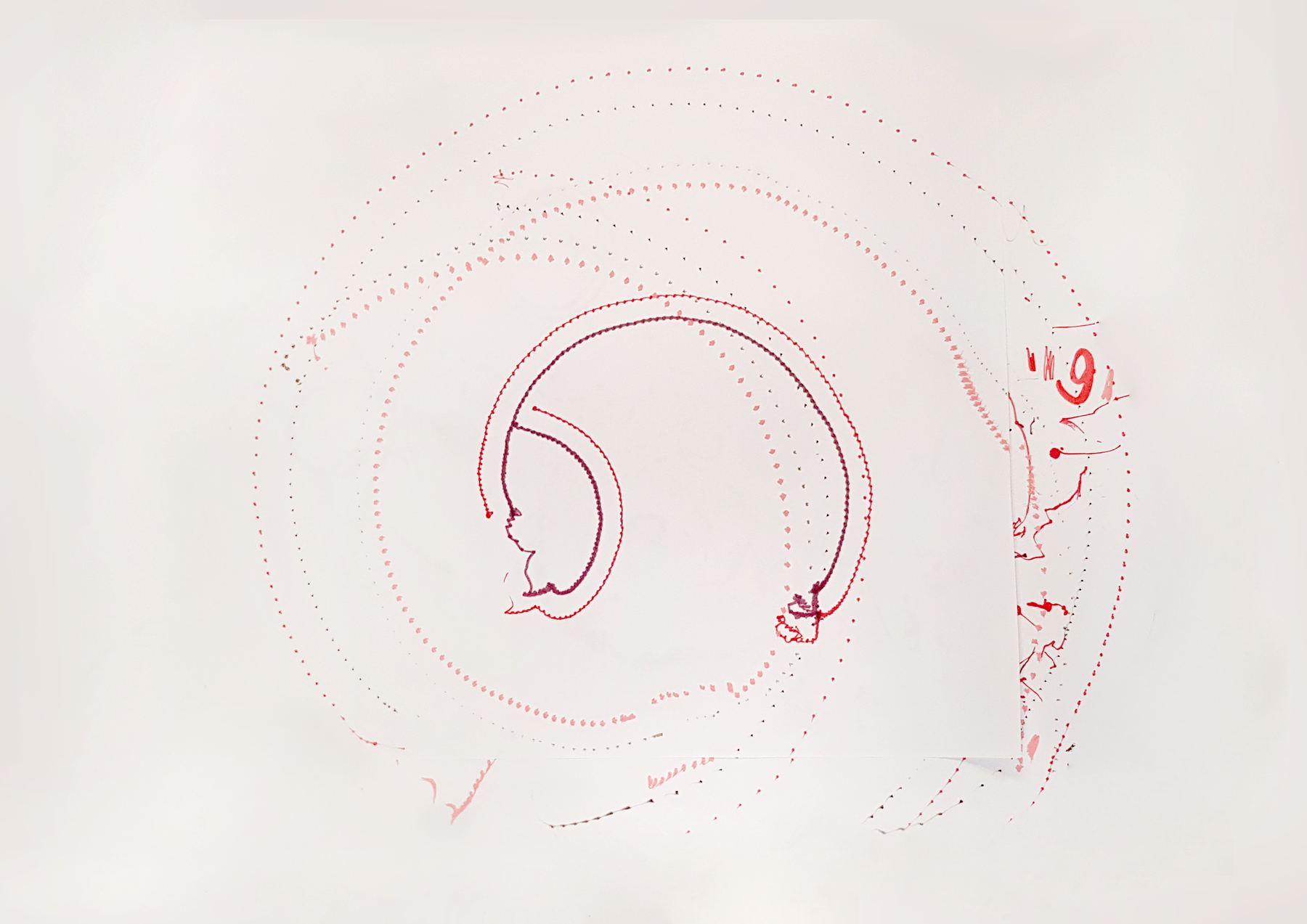
Light, open spirals with long curves.
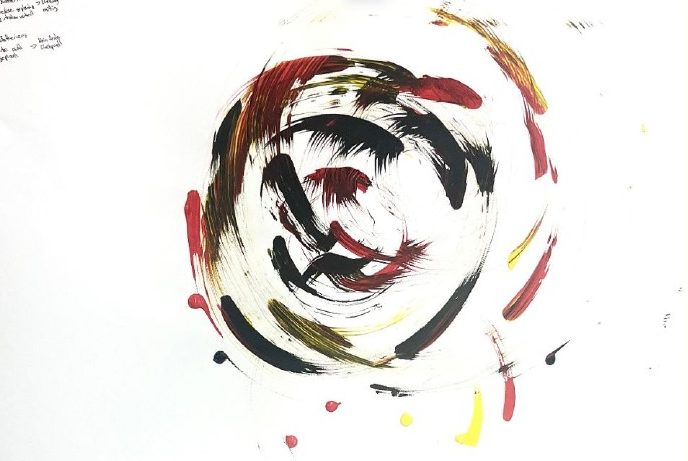
Random paint spots. No fixed pivot point.
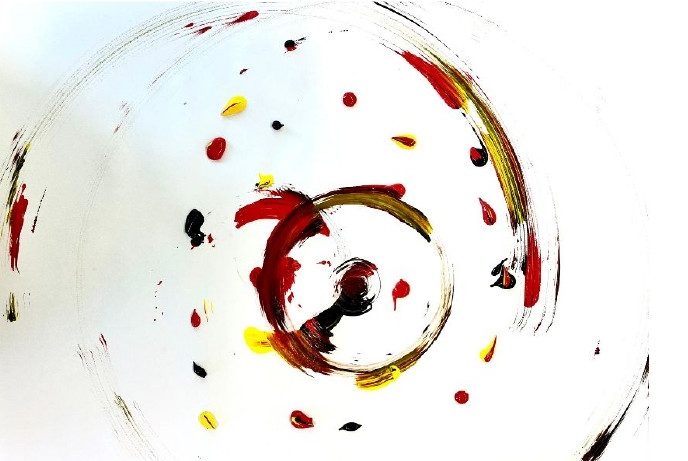
The robot turns around one toothbrush as a pivot.
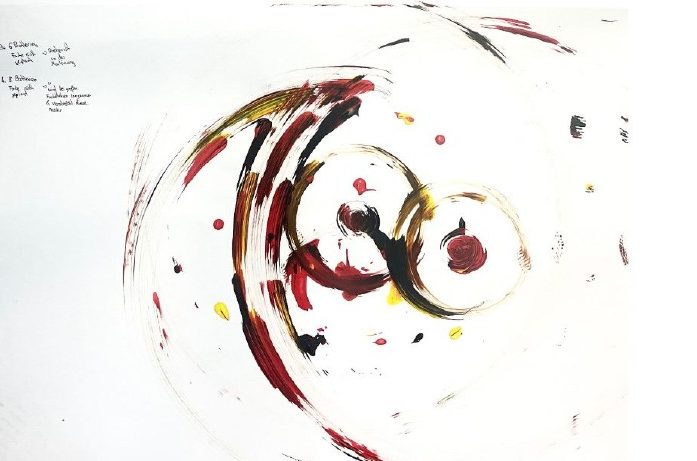
Pivot on one toothbrush. It slows down at big blots of paint and smears them more.
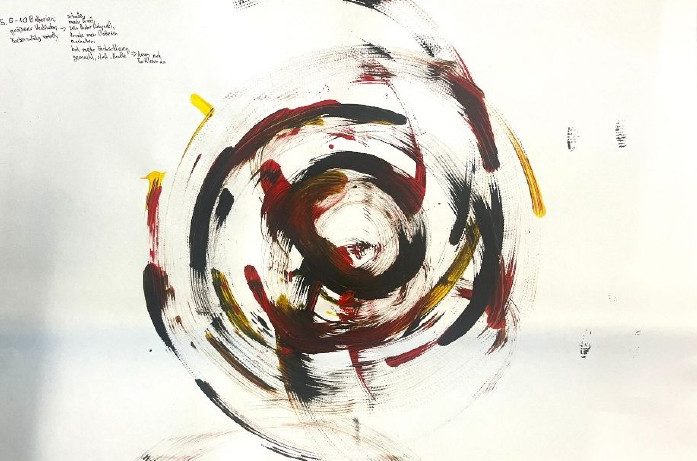
Faster and stronger, no fixed pivot. More lines than dots.
Labels translated from our presentation. Each sheet was one run of the robot.
Try it yourself
A simplified simulation of the same idea: same algorithm, different settings, different drawing. It is an illustration, not a measurement. The real results are the drawings above.
Settings change speed, pivot and wobble in the simulation. More weight makes it turn slower and stay closer to one point.
Present and draw together
Every pair showed its robot. Then all robots met on one long sheet of paper.
The presentations
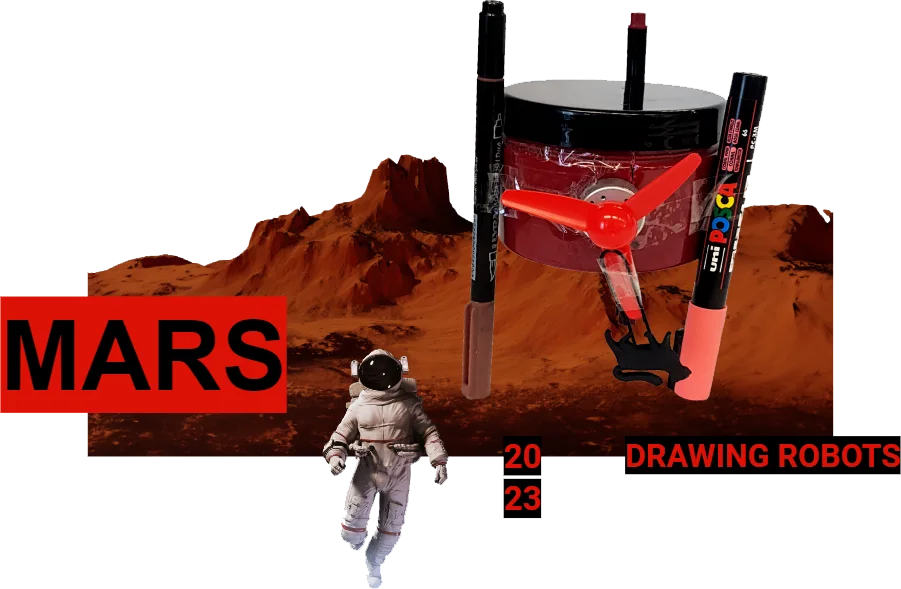
Each pair presented its robot to the whole group: how it is built, which variables it has, and what the test drawings showed. For our presentation we chose the colours of our robot, red, black and white, and placed it on a Mars landscape. The title: MARS.
Swipe through the slides of our presentation. They are in German; the captions on this page translate the key points.
One sheet, every robot
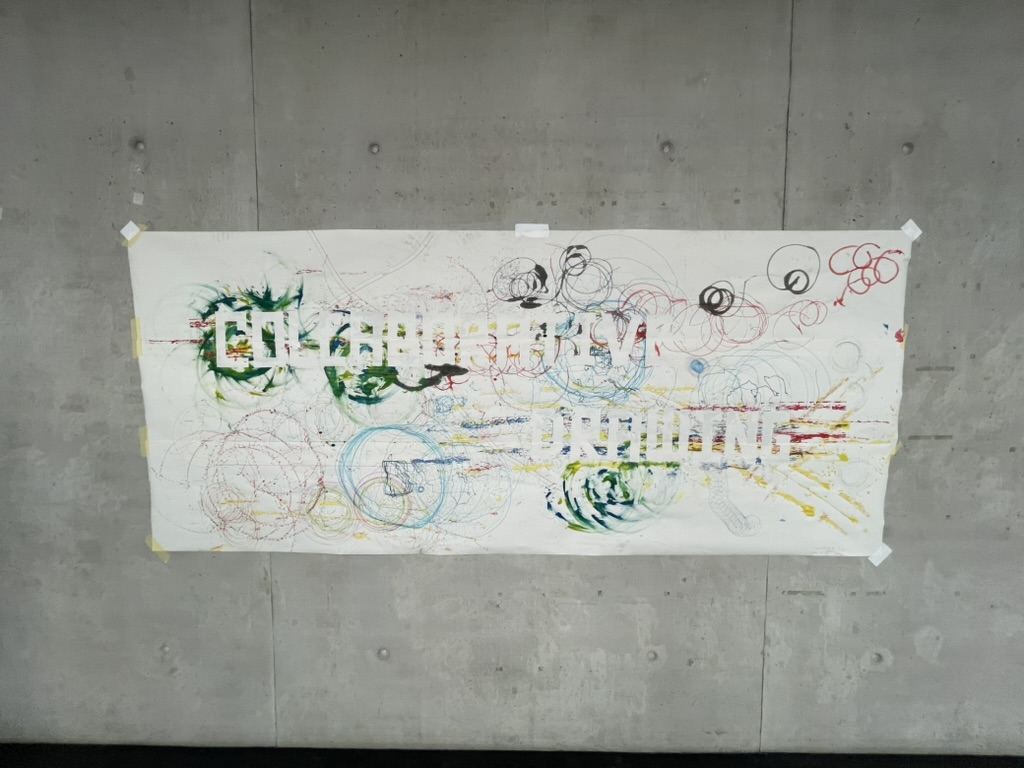
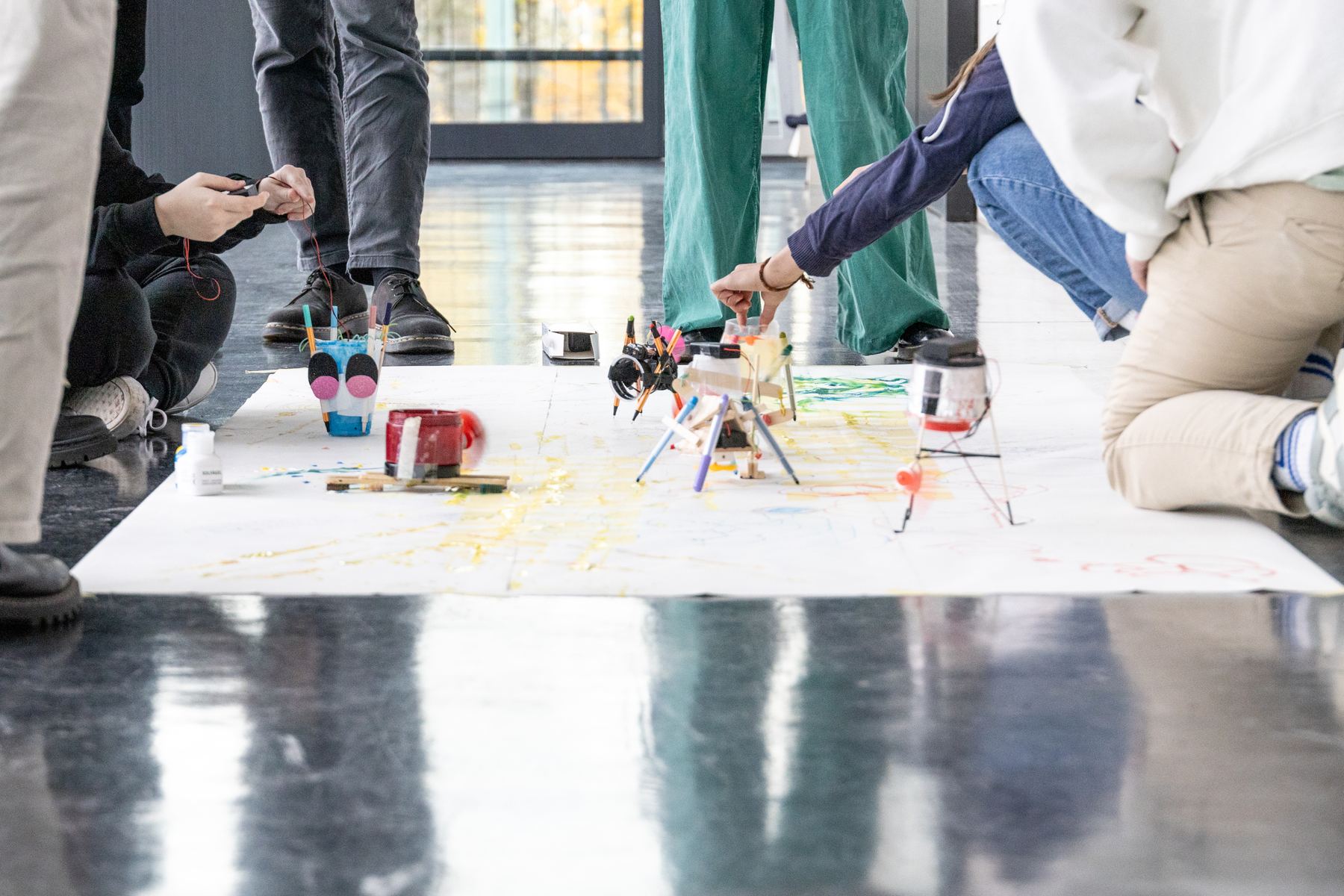
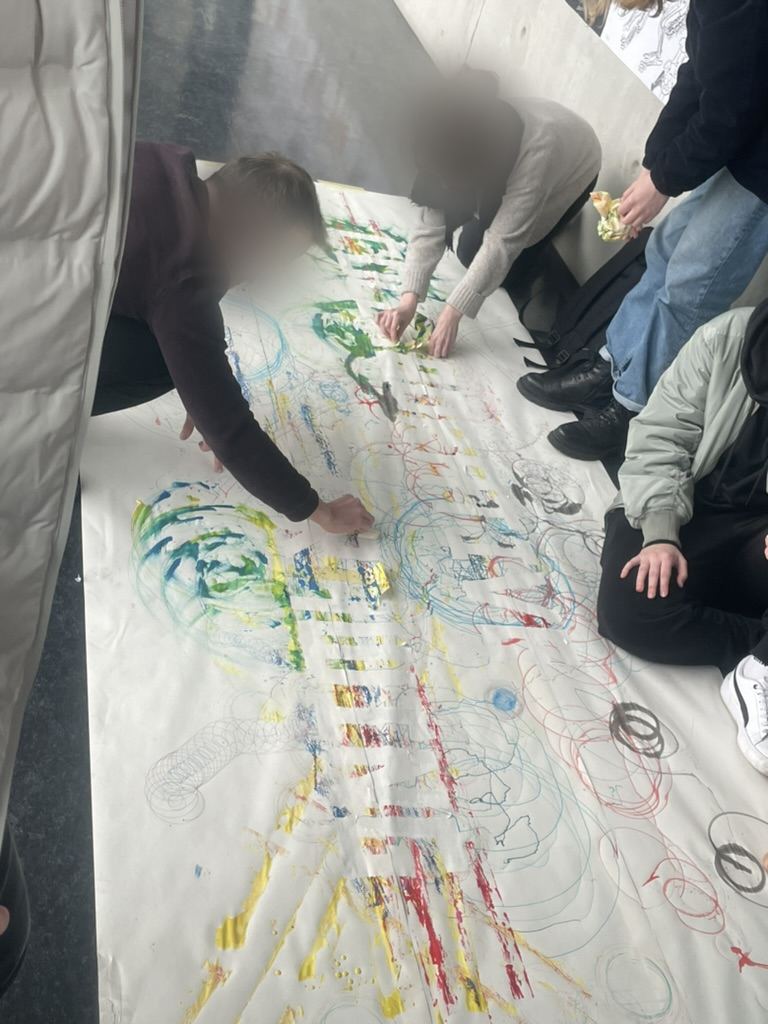
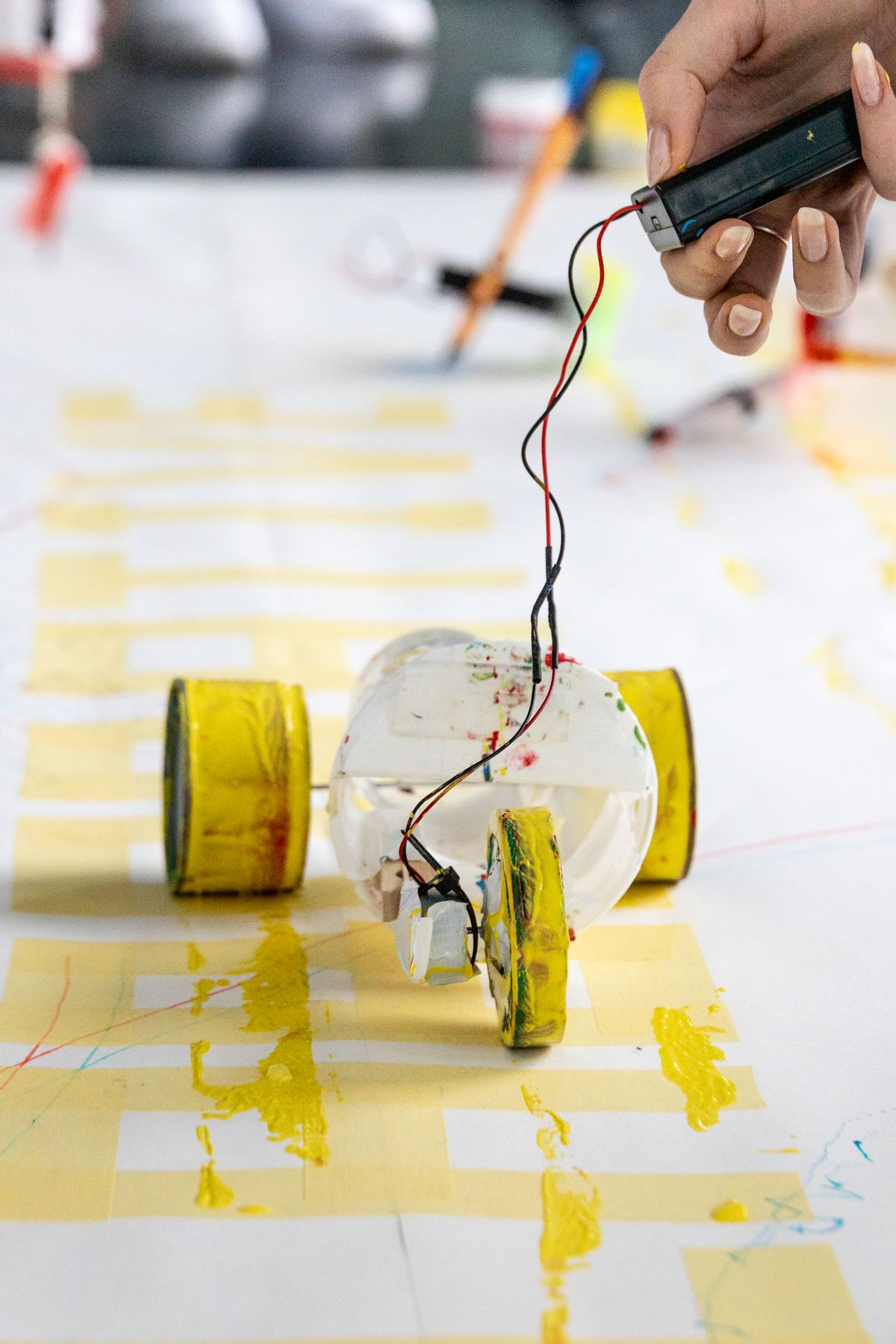
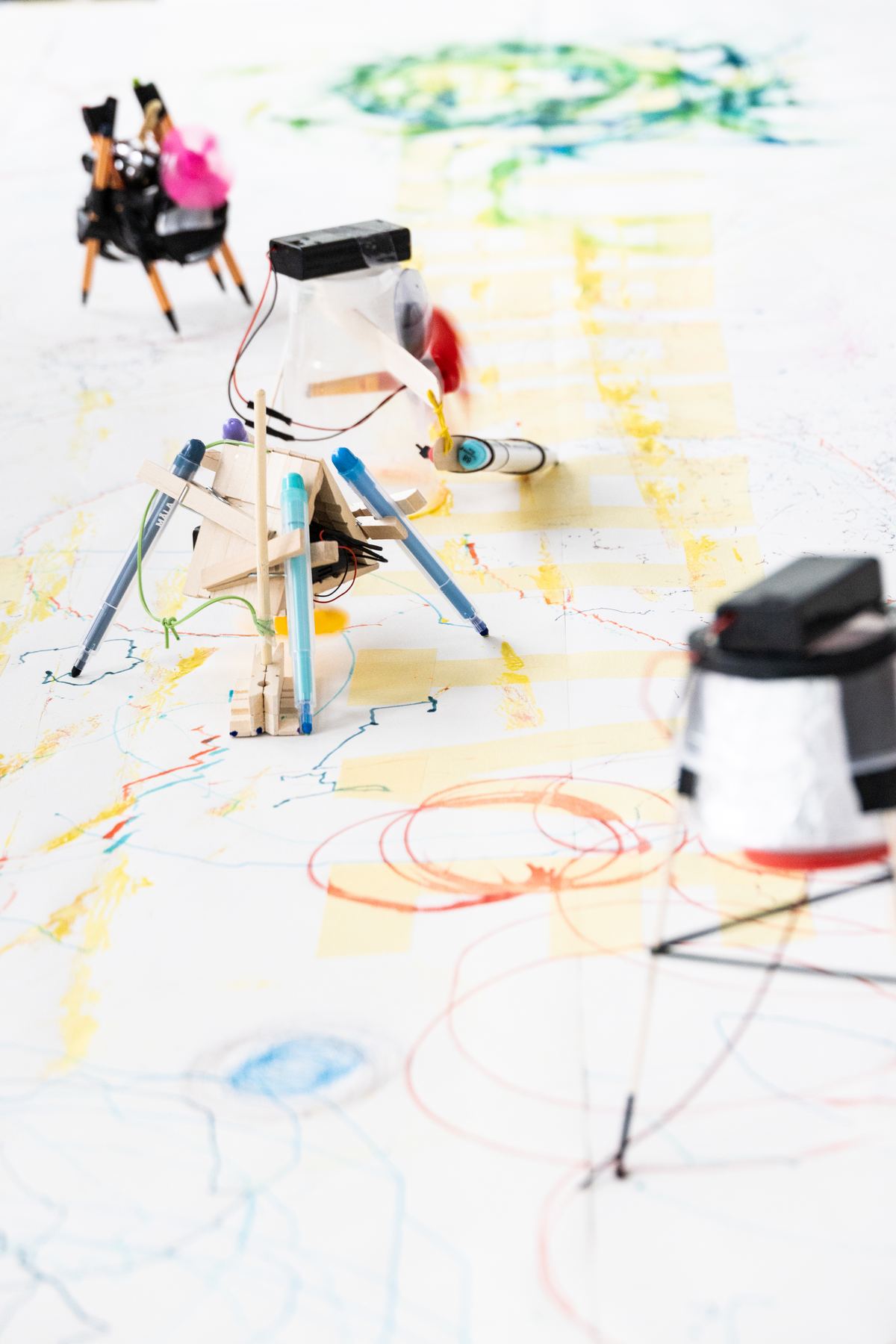
To finish, a long sheet of paper was laid out on the floor. Everyone placed their robots on it at the same time and switched them on. Pen walkers, spinning jars, wheeled cups and our toothbrush painter all worked side by side, crossing each other’s lines.
The finished sheet shows the words “Collaborative Drawing” in large white letters across all the traces. At the end it was hung on the wall.
Our robots in motion
A short video we made for the presentation: robot 1 with markers, then robot 2 with paint.
Two people, two robots
This was a team project from the first sketch to the last slide.
We worked as a pair on everything: choosing materials, sketching, wiring, building, testing the variables, labelling the drawings and building the presentation. We made the decisions together, mostly by trying things out directly at the table.
On the last day the work became even more collective: every pair’s robot contributed to one shared drawing.
What I took from it
A way to make abstract systems understandable, by building them.
Every system has input, steps and output.
Once I see a process this way, I can explain it to anyone. It works for a robot, a sorting rule or a user flow in an app.
Make the abstract physical.
We did not need a single line of code to understand variables. A jar with more batteries that turns differently made the idea obvious.
Small changes, visible effects.
Adding weight or changing the paint changed the image completely. I learned to change settings on purpose and to watch the effect closely.
Document as you go.
Every test sheet got a label with its settings. Without that, the comparison on day 2 and the presentation on day 3 would not have been possible.
Accept surprise as a result.
The robots never drew exactly what we expected. Those surprising, painterly results were the most interesting part and made us want to try more.
Build with what is there.
A jar, toothbrushes, a plastic cat. Limited materials pushed us to find new uses for ordinary things.
Individual systems can create something shared.
Each robot followed its own simple rule. Together on one sheet, they made a drawing none of them could make alone.
What this workshop trained
Each skill is tied to something we actually did.
| Skill | What we did | When |
|---|---|---|
| Algorithmic thinking | Learned to describe a process as input, sequence of steps and output, and applied this to our two robots. | Day 1–3 |
| Rapid prototyping | Built two working robots from a jar, a motor, a fan, batteries, markers and toothbrushes. Stripped and connected wires, used tape and hot glue. | Day 1–2 |
| Working with variables | Identified weight, number of pens or brushes, fan size and paint as variables, changed them and compared the drawings. | Day 2 |
| Systematic documentation | Labelled every test sheet with its settings and photographed the process step by step. | Day 1–2 |
| Visual communication | Created a presentation with its own visual concept (Mars, red and black), sketches, cut-out photos and a short video. | Day 2–3 |
| Presenting | Presented our robots, variables and results to the whole group. | Day 3 |
| Collaboration | Worked as a pair throughout, then contributed to one collective drawing with all participants. | Day 1–3 |